Description of the issue:
How can this issue be reproduced?
- I just update Brave few days ago, and suddenly all font on homepage getting bigger than before.
Expected result:
Brave Version( check About Brave):
Version 1.77.95 Chromium: 135.0.7049.52 (Official Build) (64-bit)
Additional Information:

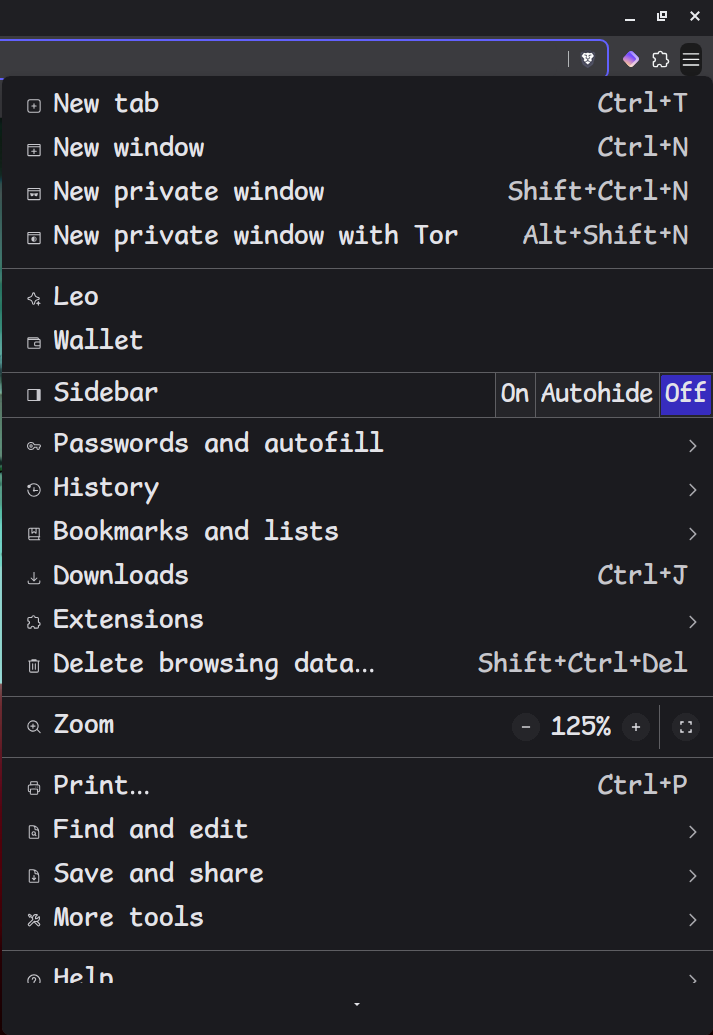
the font size should be like the font on URL bar
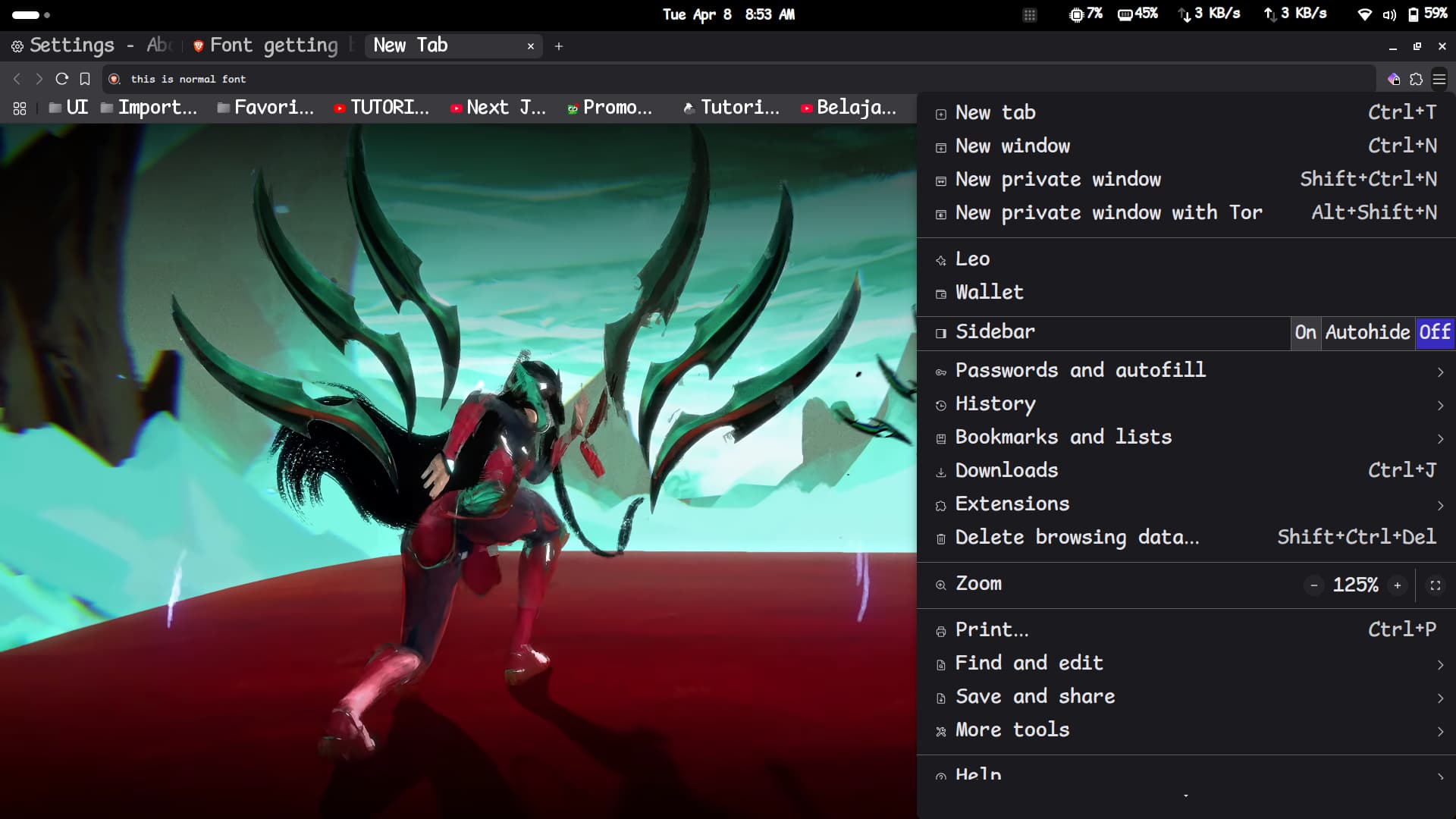
I have solved it by downgrade to version 1.76.82
Since I use Fedora, I do:
sudo dnf downgrade brave-browser-1.76.82sudo dnf install python3-dnf-plugins-extras-versionlocksudo dnf versionlock exclude brave-browser-1.77.95