there’s been an issue i’ve been experiencing with the brave browser. as of currently i have 3 tabs open
youtube (playing a video)
settings (About Brave)
and this page, as i’m writing a topic,
regardless of the minor amount of tabs open, i seem to be experiencing high ram usage, i mean ~1gb with it jumping up / down 200mb.
it doesn’t seem to be a big amount, but discord for comparison, which is a known unoptimized app (electron) is currently using 1.8gb, and i’ve seen brave at times utilize more than 2GB.
any ideas on what might be causing such high ram usage? it’s not that high, but for example when playing a pretty demanding game that easily eats up ~10gb of ram, i tend to get close to my rams maximum (32gb)
the memory saver is also set on the maximum amount, as shown here.
Ignore the LLM bot reply, it doesn’t know the difference between disk space and RAM.
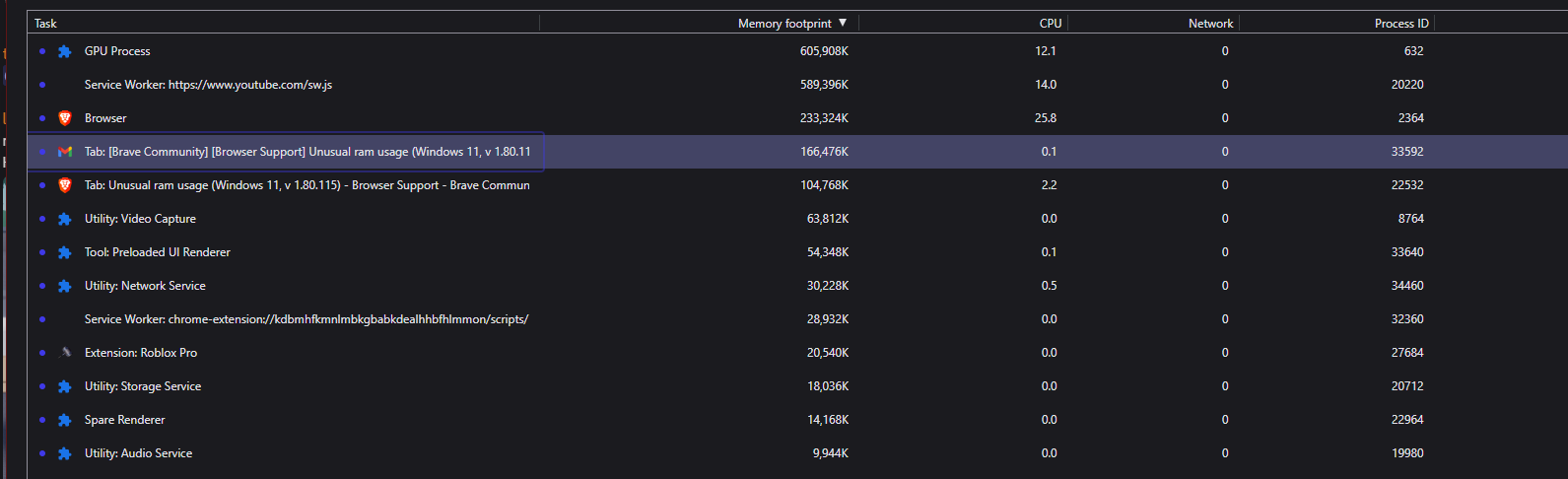
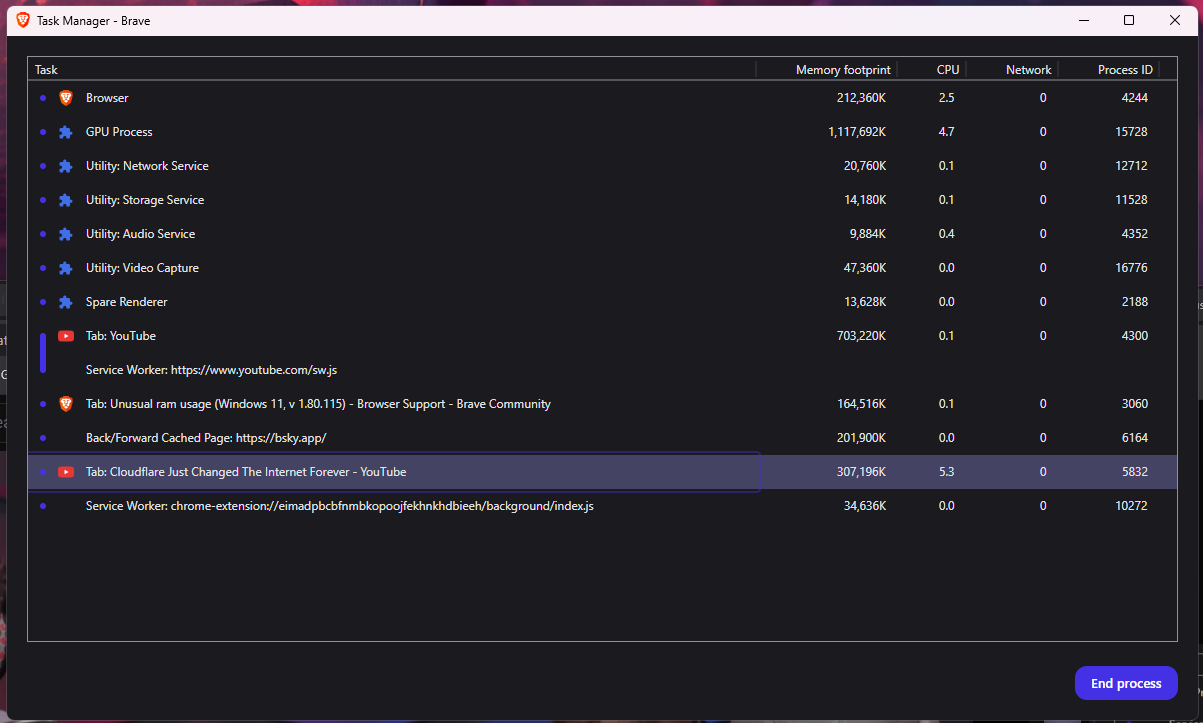
Let’s actually start in the logical spot. Right-click on Brave’s task bar, and chose Task Manager. This is Chrome’s built in Task Manager and separate from Windows Task Manager, as it can show you memory usage down to the tape, process and extension. This will help narrow down where the memory clog actually is.
If I am honest though, I only have two tabs open right now and am using 1.3GB of RAM which is very normal. RAM is there for a reason, to be used, and Chromium based browsers tend to use it a lot, but will release it when other apps do need it. In my case, the GPU process is consuming 740MB, with YouTube consuming 533MB.
You are actually using less RAM than I am, and I too have 32GB of RAM. This is normal and expected. Remember, Chromium (including Edge, Google Chrome, or any other Chromium based browser) will aggressively use RAM so it runs smoother and faster while open. But don’t confuse this as RAM that won’t get out of the way when needed. For example, let’s say Brave is open and using a lot of RAM on my system, and I then open LM Studio and Davinci Resolve; Brave will then slowly use less and less RAM to make more available to other processes. So while yea, seeing a large amount of RAM get used seems wild at first, with modern websites and insane amounts of java scripting, a lot of RAM actually ends up needing to be used. Even Firefox on my side has consumed as much if not more than Chromium, and it too would release the memory as required by the OS. It basically has to since it’s pre-emptive multitasking.
IF / WHEN not enough disk space, the Operating System may “go into overdrive” trying to preserve data (for example: making lots of “snapshots”), and then some running application(s) - in some situations - might also get wound up and try.
So, a quick look at available disk space, is on the checklist - to see if extra/unusual (“snapshots”/“swap”) disk space usage is occuring along with unusual RAM usage.
In brief: To check if there is an available space panic.
And, of course, clear caches and cookies (Time range: All time) and Restart computer. Test.
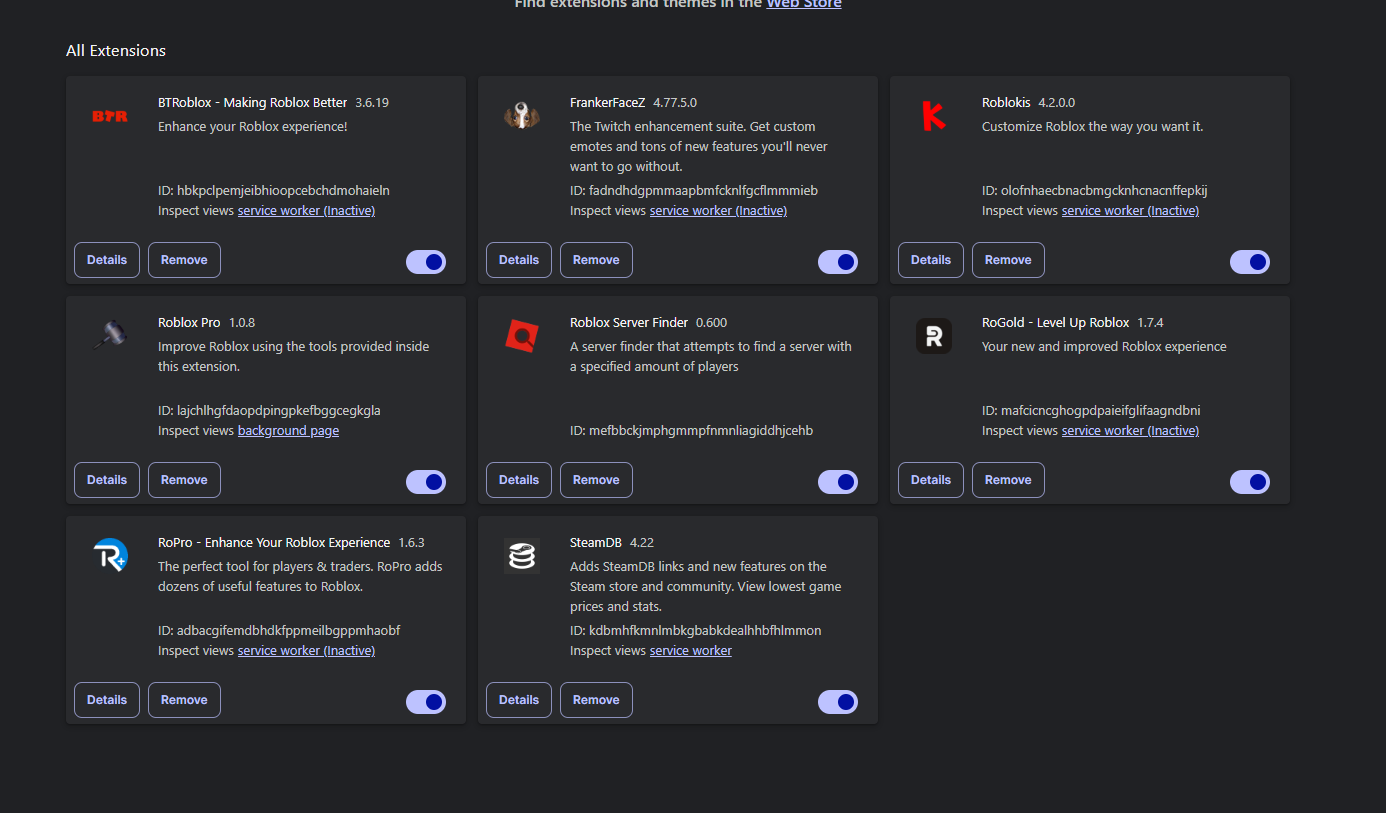
The next check on a checklist - given that you have several extensions that you installed - is to disable all of them . . . and then test:
Please ignore the bot 289wk, they are just an LLM slop bot trying to “help” but are clearly halucinating.
There’s no such thing as an OS going into “overdrive”. I didn’t become an MCSE to read this hot garbage. In fact, everything you wrote grammatically doesn’t even make sense. You have 32GB of RAM, you very much are not running into pagefile stuff here (what it’s trying to refer to as “snapshots”, but swap space is another correct term for it). If you were running into pagefile issues, your entirely RAM would be out of space, in which it’s clearly not (as in, <100MB free).
We’ve already troubleshot, and found no issue. Their task manager looks good, and their RAM usage was normal.
No problem, yea it’s a little wild to see how much RAM gets used by the modern web these days, but yep, totally normal. Right now I have several tabs open, and hitting around 1.3GB, but this value changes based on what websites I visit, and what it is they are showing. To be honest, most of the bulk I find comes from YouTube tabs, at least for the sites I visit most.