I used Firefox to download from:
‘https://github.com/brave/brave-browser/releases?q=beta&expanded=true’
- Installed: ‘Brave-Browser-Beta-x64.dmg’ (Brave 1.81.124 (Official Build) beta (x86_64))
- Ran through some of the settings, disabling the BB Extras, Bells, Whistles
- BB Global Shields UP; BB Global JavaScript Allowed; 3rd Party Cookies Blocked
- Of course, no extensions from the Internet
- No Anti-Virus
- Using BB Private Windows . . .
- Sent BB to this issue (Unable to download . . .)
Then, right-clicked on your link that you gave in your reply re downloading BB Beta; result: I had to use Firefox to download.
The Downloads issue that I have with Brave Browser (stable, MacOS), is that large file downloads fail; the browser simply will not continue to download at some point in the process . . . downloads are incomplete.
So, as I wrote before, I use Firefox (where BB does not work).
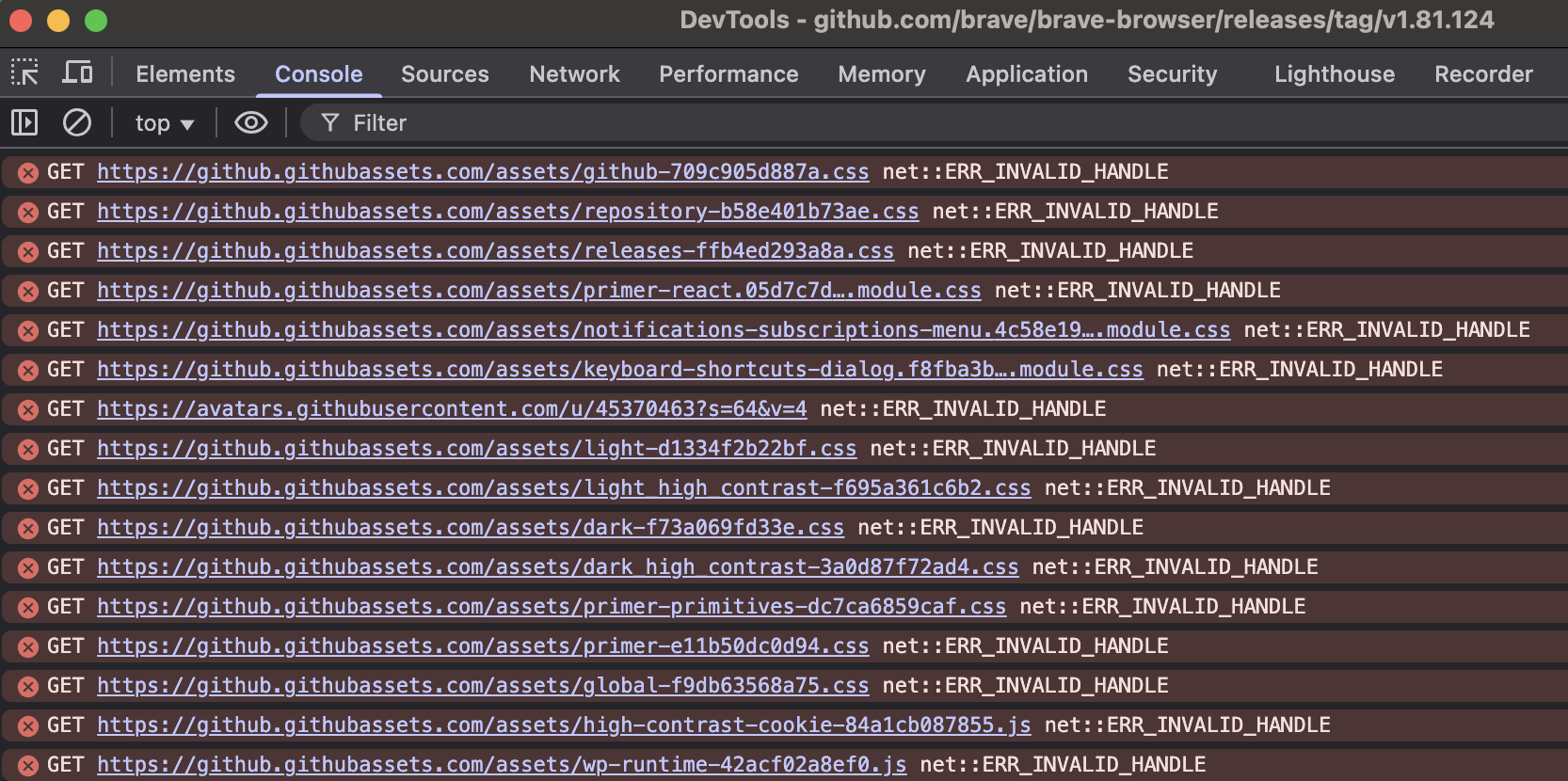
PS: At: ‘https://github.com/brave/brave-browser/releases/tag/v1.81.124’
Trying to download the BB Beta installer, using BB Beta:
BB Beta on the left, Firefox on the right (both are private windows):

BB Beta > Developer Tools:
Another PS: I clicked the Deny button when launching BB Beta:
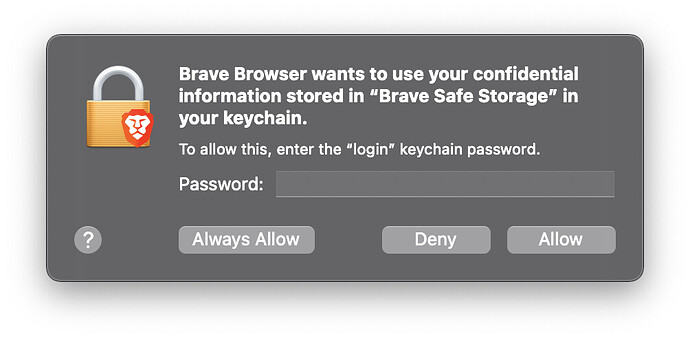
Because, seems to me, that I should not want BB Beta and BB stable, using the same “Brave Safe Storage” application password in the keychain.