Now, how do we know if this is really because of the difference between Stable and Beta, OR it is something that got misconfigured somewhere once and will be kept misconfigured forever.
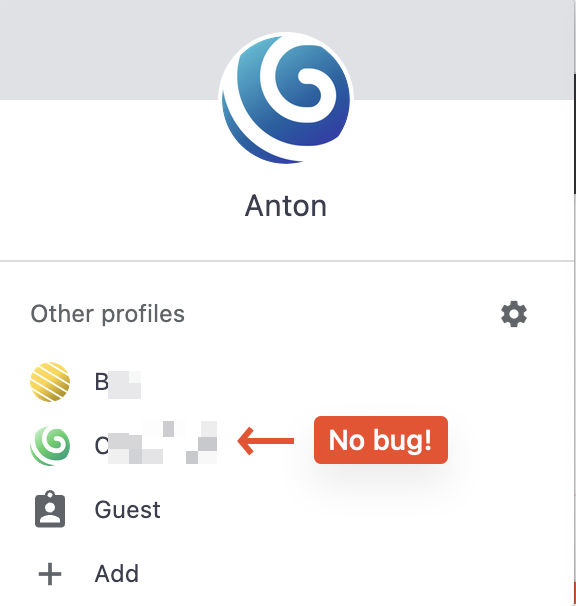
I tried creating more profiles and switching to another profile - no Tab Search misplacement bug:
Note: I have only two plugins in both profiles, both ON. No other differences I can spot. That’s why I suspect Brave wrote something in the profile database permanently and will never get back to normal until fixed manually, OR we identify the bug and fix in the codebase.
Thanks for the information, I’ve shared this with our team and I’m waiting for further information on the matter. Once our team has answers, I will get back to you as soon as possible.
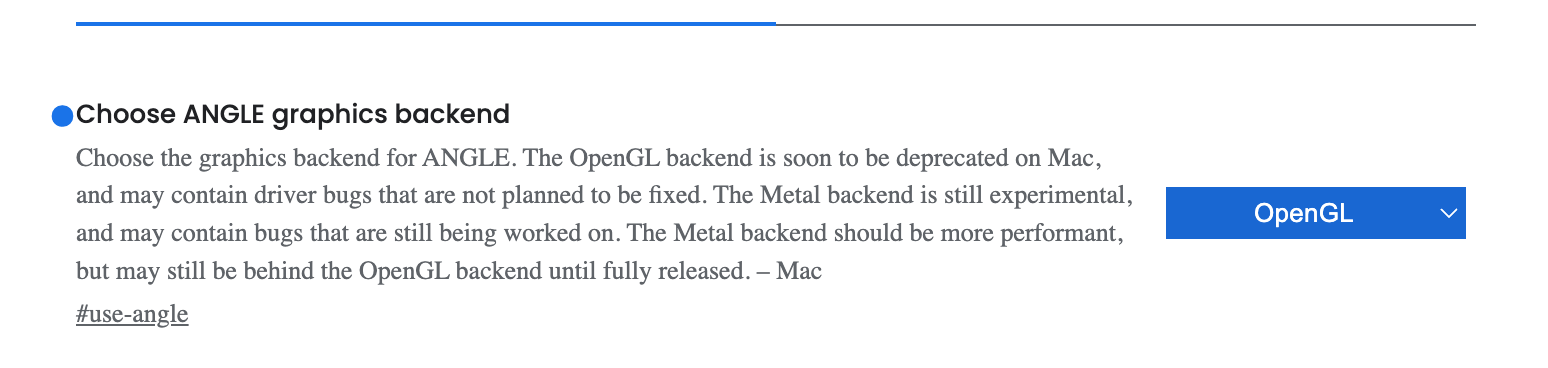
@anton_adelaide on that case please go to brave://flags/ and search for Choose ANGLE graphics backend there select OpenGL and reset the browser to save the changes.
@steeven@Mattches I just merged together several topics made by OP. Not sure that I got them all, but at least majority I tracked. Seems they’ve been seeking assistance since July 2022.
@anton_adelaide I’m just going to ask you to confirm the below. Some of the things asking are replicating info you might have provided before, but just want to see if it’s still the same. Especially since should have been some updates since you first started reporting on this. Also want to see if perhaps retesting some steps yield the same results.
Which version of Mac are you using?
Which version of Brave? (provide exact version number, don’t just say “the latest”)
Are you still saying it works in Beta but not in Release?
If you add a new browser profile and attempt, does it do the same?
Have you ever removed all extensions from your profile/browser? I’m thinking you said you tried that in your reply here but just wanting to confirm. Also clarifying that you actually removed them and didn’t just disable them AND that you did all of them at the same time.
Aside from the above, kind of curious (don’t take it negatively, just sincerely curious if it’s not the best choice.)
If this is just one profile, which it makes it seem like according to your post here, is there a reason why you can’t just export/import your bookmarks, passwords, etc and just delete the corrupt profile? Add prior things to new profile and then perhaps move on?
Are you find moving on knowing there is a bug somewhere that has not been fixed for over a year? Especially knowing that in Beta it somehow works - the same profile.