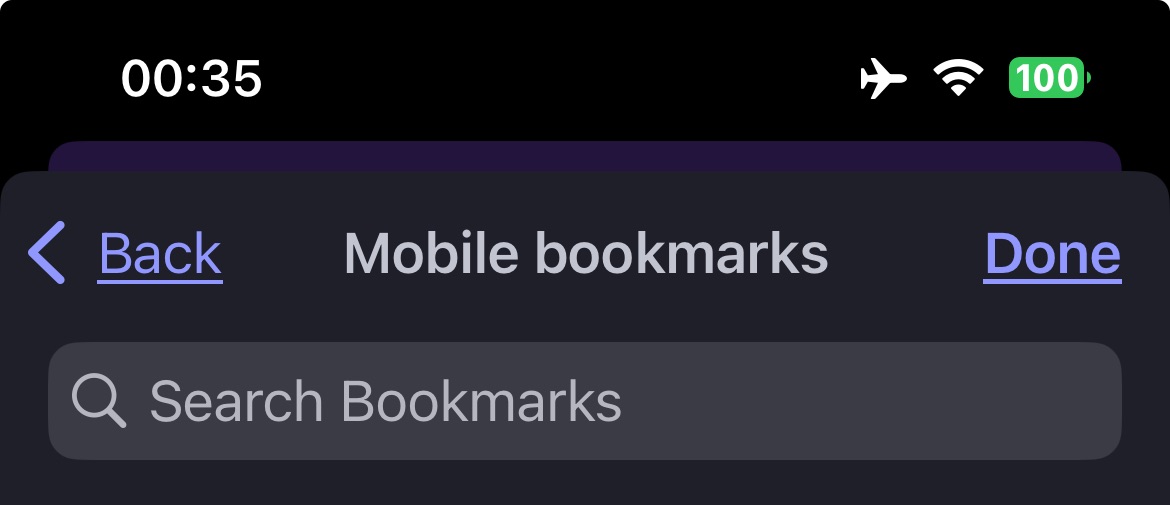
Bookmark search in URL bar behavior has changed, partial word search is broken (iOS)

Description of the issue:

Bookmark search is no longer working correctly. I used to be able to search on any word contained in the bookmark URL and it would find the bookmark.

Previously, if I had myawesomesite123.com bookmarked, I could search for “awesome” in the URL bar and it would show that bookmark.

Now I have to search for “myawesome” for it to appear, i.e. I have to type the “my” first or it won’t find myawesomesite123.com

Brave Version( check About Brave):
Version 1.78.1 (104)

Mobile Device details
iOS 17

@whydoihavetosignup

Which URL address field are you using(?), of the two examples:


Bookmarks Manager window:


BB New Window:

The main url field where you type addresses and also search for autocompletion of bookmarks, not the bookmark manager field.

if I were viewing this from a coding perspective, I’d say it seems like the regex used to search bookmarks has changed and it’s a downgrade since it seems to no longer search inside strings but only the start of strings.

@whydoihavetosignup

I am guessing, that you have fiddled with / toggled back and forth, the Improve search suggestions switch (and cleared cache, cookies, and exit/quit everything, and then Restarted the computer ?):

Yeah I also did a full SMC reset, reformatted my hard drive and reinstalled windows XP, no luck. :rofl:

Again, this is Brave on iOS I am talking about. The search functionality has changed. It’s not a setting. They broke or changed something in a recent update on how bookmarks are searched.

Oops. That’s what I get for not getting enough sleep. Apologies; duh. Sigh.

I also cannot do a search for a bookmark by entering in the BB (iOS) URL address field, a word from the bookmark’s title.

I use: