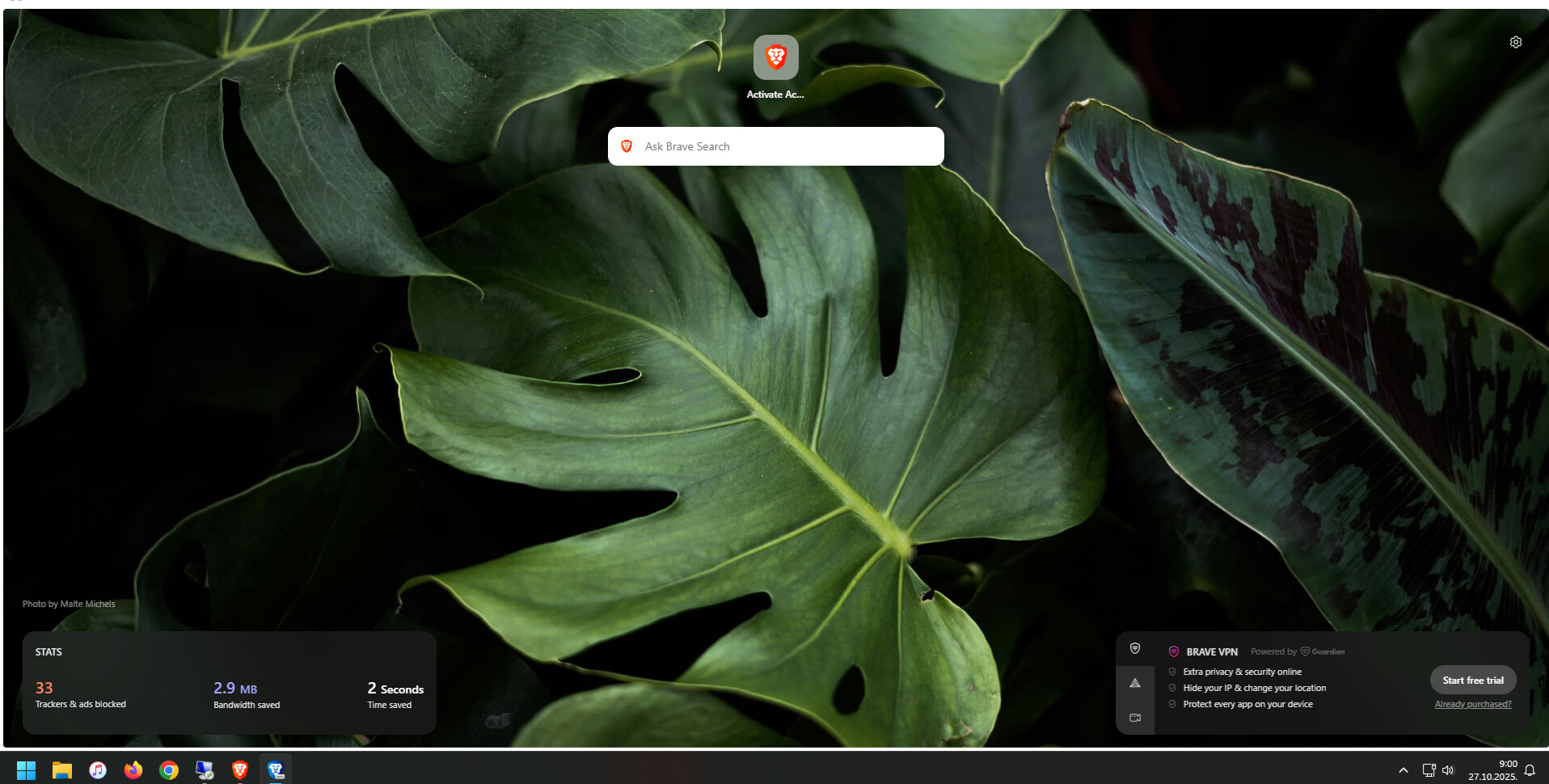
How can i remove this white edges on brave nightly or beta?I tried removing it in flags but there is no more option for this.There was option before but not anymore
Hi, Welcome to the Community!
Seeing as you are using Nightly &/or Beta Builds, you might consider editing your original post (by clicking the little pencil at the bottom of the post) and choosing the Feedback category (that also has individual Nightly Builds & Beta Builds subcategories to also consider using) and/or also adding the tags “Nightly” &/or “Beta”
But you have to understand if you are going to use either of those versions, they are not the stable versions and can be buggy like this. So the easiest fix is to just use the Stable version…
By going here:
ohhhh.okay.i mean there was no bugs like this before last update that was about 4 days ago
Settings > Appearance > Show rounded corners on main content areas