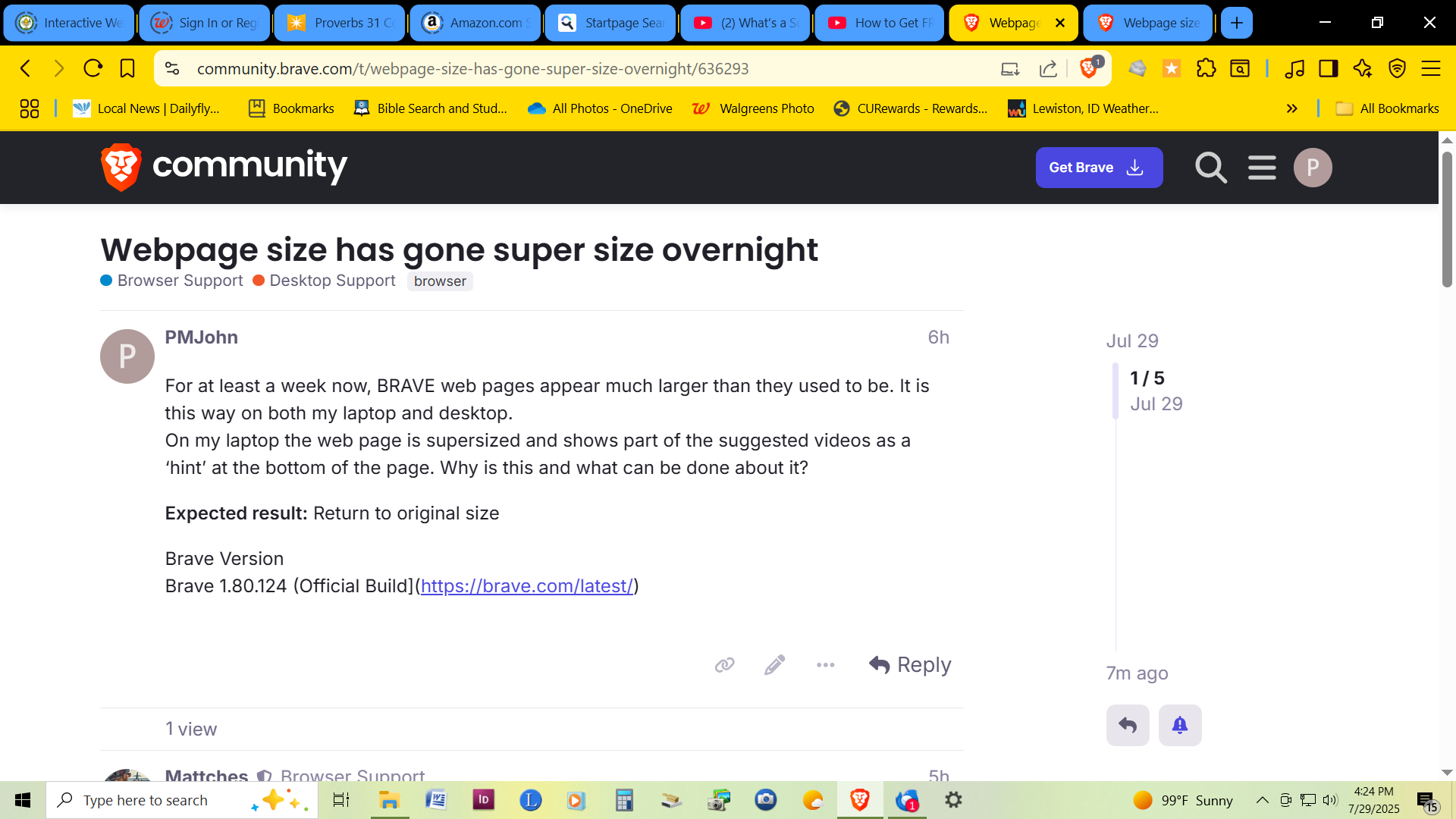
For at least a week now, BRAVE web pages appear much larger than they used to be. It is this way on both my laptop and desktop.
On my laptop the web page is supersized and shows part of the suggested videos as a ‘hint’ at the bottom of the page. Why is this and what can be done about it?
That certainly is strange. Can you check another browser – MSEdge for example – and see if it displays as expected or if it is also oversized/zoomed in?
Yeah and if you’re seeing other web pages appear this way in other browsers then it’s either an extension you have installed in both browsers causing the issue or it is (more likely imo) an OS setting that you may have inadvertently changed.
Thank you for your input. I haven’t installed any extensions or changed settings on both computers. I think that its YT in some cases. Perhaps its a MS update?!