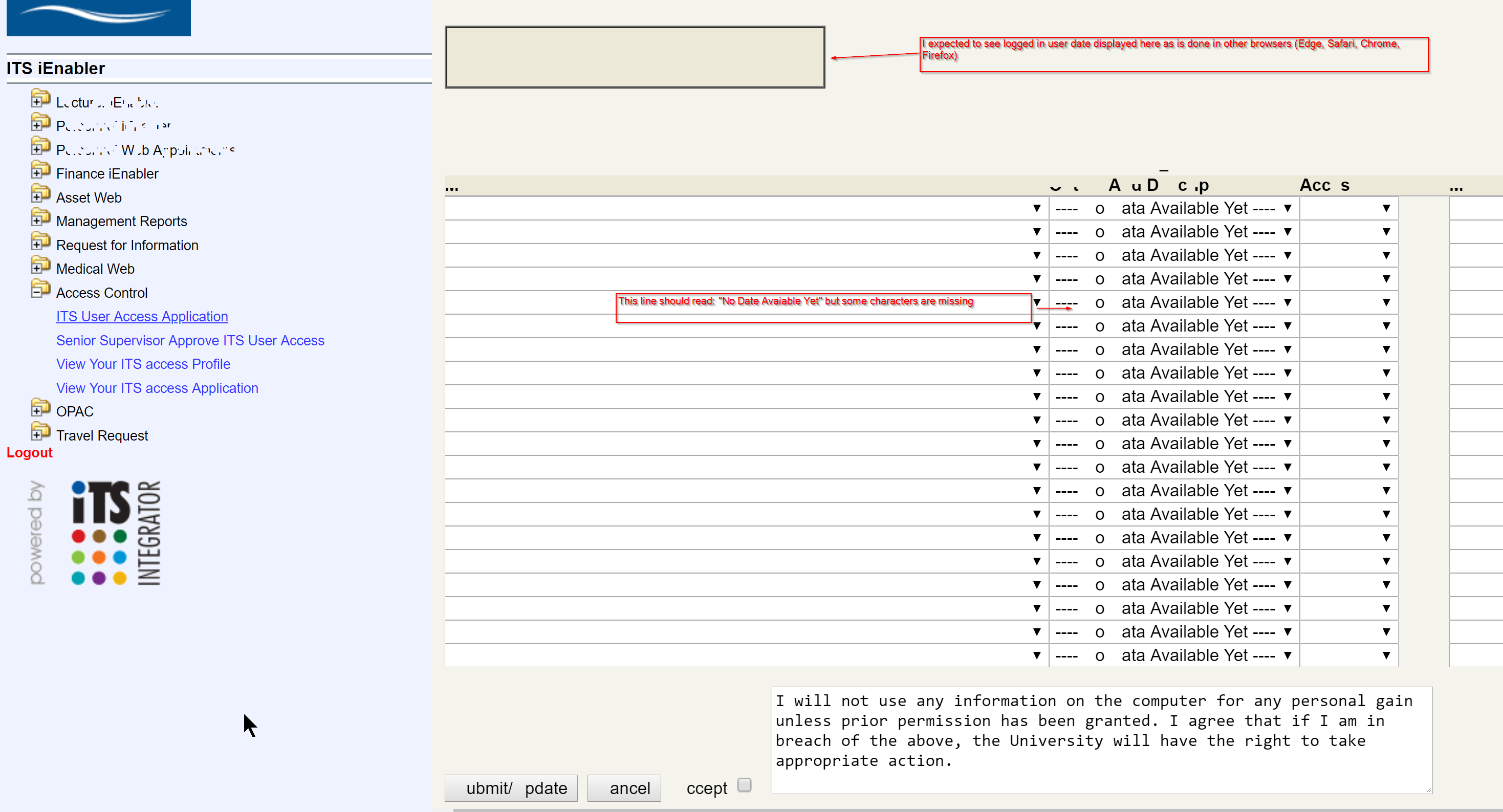
Hi, I downloaded brave today and immediately tested a website where the “Save” button on a specific website will only react when working with Internet Explorer (not Even Edge or Firefox worked).
I am happy to report that the Save button worked when I used Brave.
However, the text on the page is either not displayed as expected or the text looks like snowflakes and one cannot read the text.
@driep011,
Thanks for reaching out.
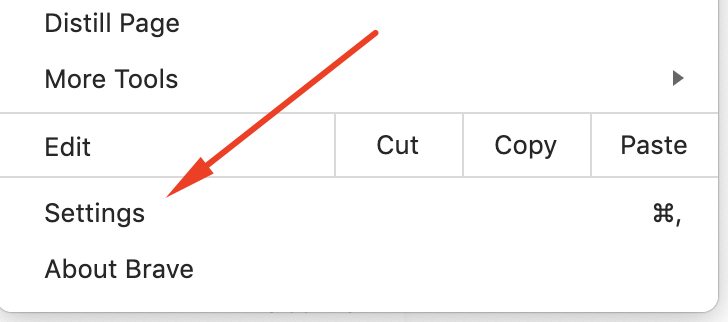
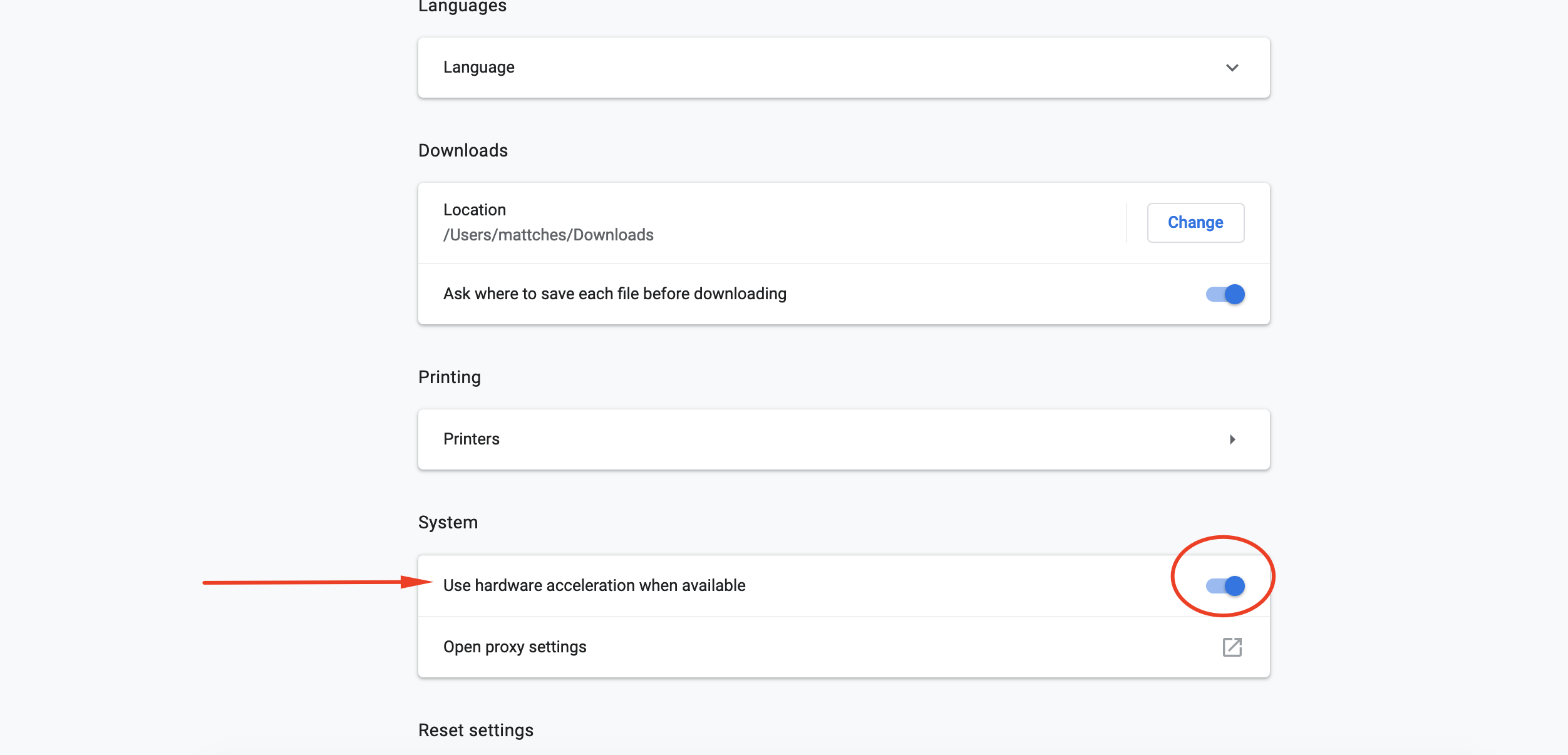
Lots of issues caused by Hardware Acceleration present like this so I would start by disabling that and seeing if it helps. You’ll find the option in: Settings --> Advanced --> System --> Hardware Acceleration
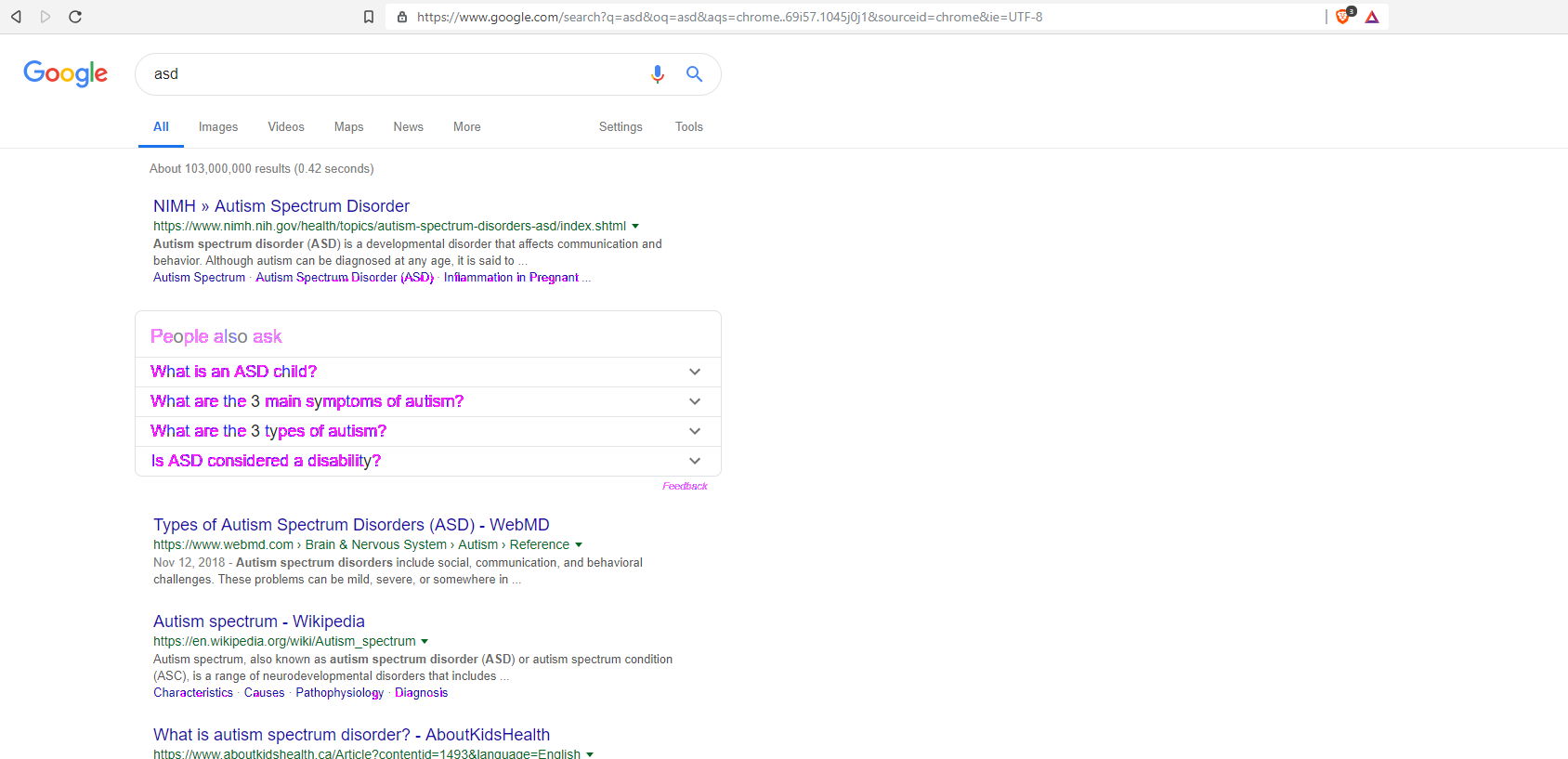
I have the same issue. the browser is unusable… but i’m going to stick with it because i like the idea you’ve created. I can’t read the page at all, and I have follows several tutorials on how to turn iit off, but no luck. will wait for a fix.
@driep011, @carlh1,
This is often a Hardware Acceleration issue. This is a setting in the Brave Browser. Disabling it may resolve the display issues you’re both encountering. As stated above, you can do this by:
Open the main menu on the top right of the screen: