error

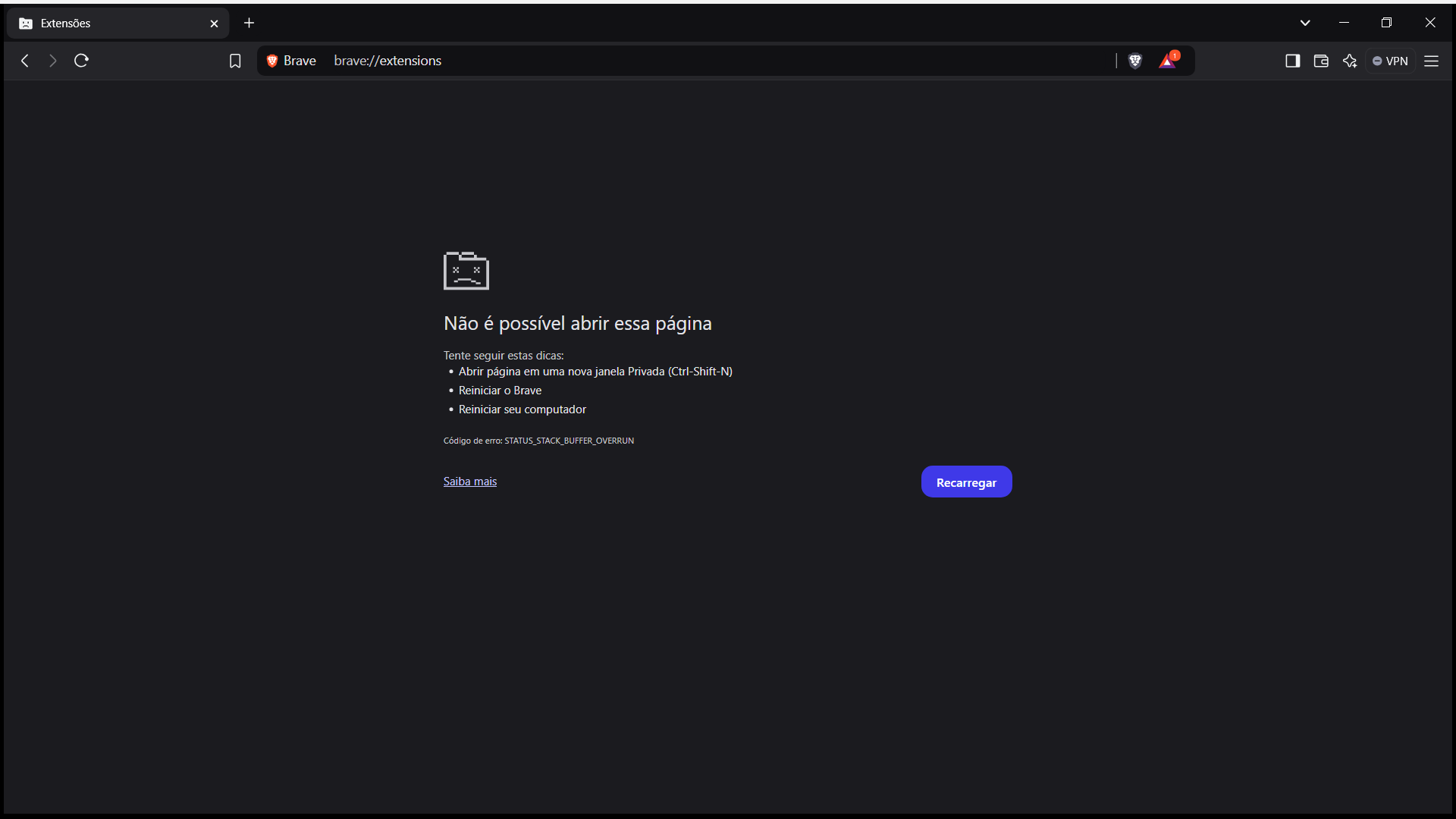
It didn’t work, it continues with the same error.
The following screenshot shows the MacOS Activity Monitor - somewhat equivalent of the Windows OS Task Manager / Performance Monitor. You might start up the Windows OS Task Manager and the Brave Browser Task Manager, and observe what happens . . . on the occasion of “Aw Snap!”

IIRC, the basics are, that memory gets pinched by a memory leak caused (usually?) by a javascript that is not what its author(s) imagined it was supposed to be.
Sometimes, that memory leak is in
- code of the Internet Browser
- code of the website
- both.
Also IIRC, there is a setting for Brave Browser desktop installations, wherein you can enable the sending of diagnostic info to Brave . . . and you might enable that setting.
it continues with the same error.