Brave Speedreader

Chrome Reader Mode:

Edge Immersive Reader, my favorite overall
I never get to see the “SpeedReader” button on Brave:
For example, on this page:
it does not appear to me to be able to press it and go to that mode, what about you? Can anyone help me? It is a feature that I missed a lot because I used it a lot in Firefox (where I can pass to that mode the page I referred to before).
Thanks a lot!
Lol. I counted myself licky to even have it! Try updating, then look for Reader Mode and Speedreader in Settings.
I am using the latest version of Brave on Windows 10:
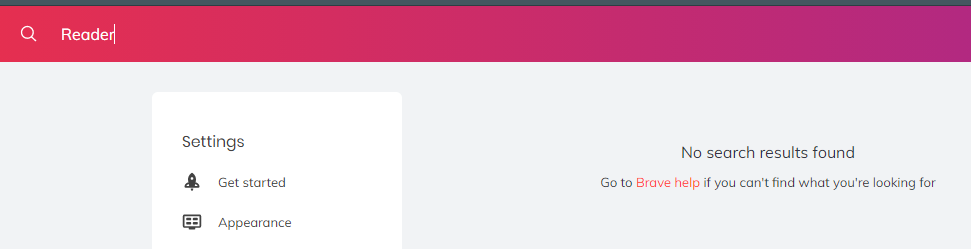
But I can’t find these options in the settings:
Could you show me a screenshot where I can see them?
And could you tell me a page where you could activate that mode?
Thanks a lot.
Type brave://flags in the address bar. It’ll take you to experimental settings. Search for Reader mode and Speedreader.
This issue persists over a year and a half later. Is there a way to do this or any update at all on customising (aside from changing the Default Font across the entire browser), or not?
Yes, but I’m saying that you should be able to change the font, background, size, and more. Edge has now done that for years.
This topic was automatically closed 30 days after the last reply. New replies are no longer allowed.