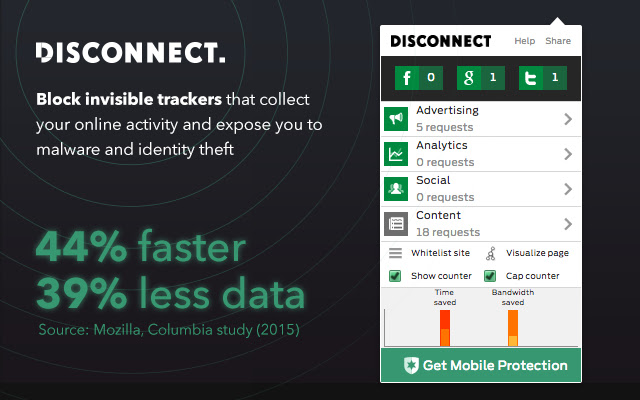
I want the Advanced Shields settings for Fingerprinting and Trackers & Ads to
-
Minor request:
I want Fingerprinting at the top. I use it most frequently to allow pages to work, and want others to gain the benefit more quickly and intuitively. Current UI entices one to fiddle with Trackers & Ads blocking first, but it’s usually not the issue blocking first-party rendering (I would be happy to have telemetry on number of times each blocking setting is selected, and final/presumed best setting). -
Major request:
Calculate and show (a rough guess) of if, and how many, resources were blocked by the setting being on. Show “Aggressive block fingerprinting [0/3]”, “Block fingerprinting [1/3]”, “Allow fingerprinting [3/3]”, or some similar indication of [0, 1, many]. -
Major suggestion:
, 3.2)
Related to (2), perhaps switch from a dropdown to 3 side-by-side buttons, with evocative symbols, but current text as tool-tips on mouseover, (Aggressively block …), (Block …), and (Allow …) for both “Fingerprinting” and “Trackers & Ads”. Symbols like stop sign(s) and green dots, and including a number indication
3.1) ,
,
3.3) , 3.4)
(Can’t wait for a D*sney DMCA for these symbols)
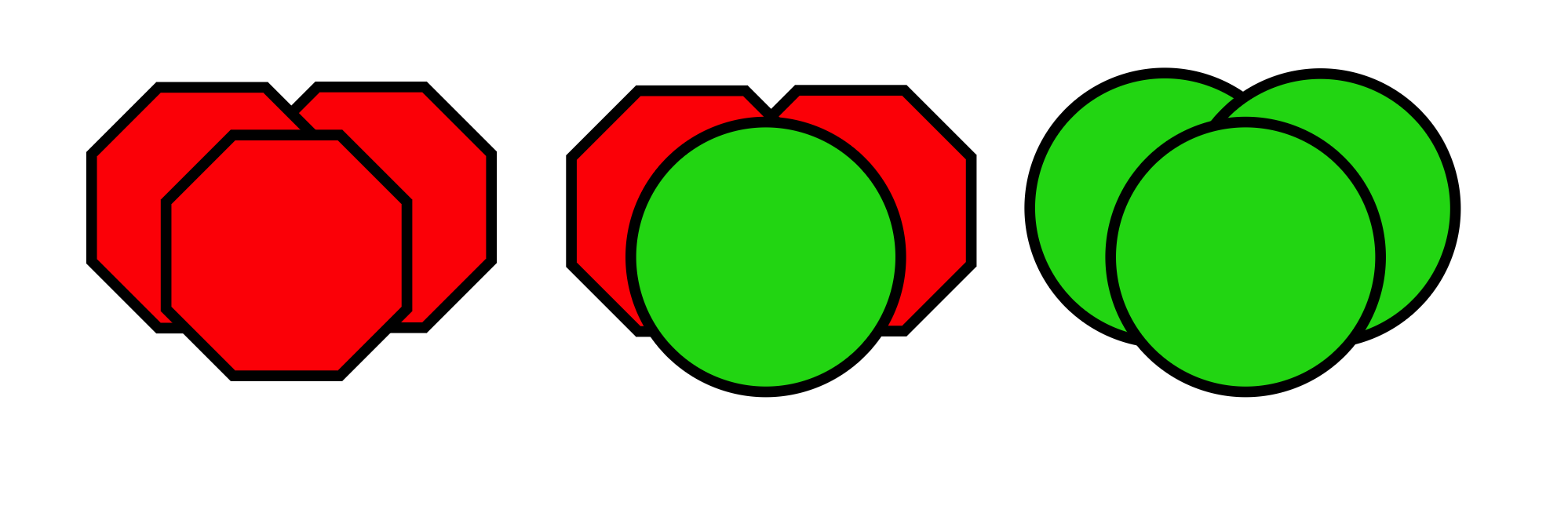
These would appear as button within the Shields browser modal in place of dropdown menus, for Fingerprinting (moved to 1st) and Trackers & Ads (moved to 2nd).

I want these changes so that:
- I have better visibility into how Shields settings pages might affect rendering of the page, especially desired one-shot usage.
- Other users can discover these features and quickly determine how to use them appropriately
These requests are motivated by a desire to:
- Limit use of complex stateful interactions, e.g. dropdowns, inside a temporary UI element
- Minimize the need to repeatedly open and fiddle with Shields settings on a domain or a page.