TRACKPAD SCROLLING on pdf’s printed from Brave does not function with newest version of Adobe Acrobat ver 2020.006.20034; Mac OS Catalina 10.15.3; works fine with pdf’s printed from Safari & Chrome
Use Brave Browser to any website
File, Print, Save as, pdf
Open the pdf
Try to use your trackpad to scroll through the pages.
NOTE: Everything worked prior to the update to the newest version of Adobe Acrobat. (updated yesterday with OS update)
pdf’s printed from Chrome and Safari work (i.e. trackpad scrolling is fine), but not from Brave
Expected result: Want Brave technical team to ID fix - why can’t trackpad scrolling work on pdfs printed using Adobe Acrobat DC pro’s default pdf printer? pdfs printed from Chrome & Safari are A-OK with trackpad scrolling
@khirth,
Thanks for reaching out – can you give me an example website you tried to save/view as a PDF so that I can test what you’re seeing on my end?
When I tested, I was able to download/save a site as PDF and scroll through the pages using my track pad (macOS, 10.15.3) – I did notice that scrolling seemed to be slow? Almost a bit of lag time, which was strange, but it did ultimately scroll through the pages as intended.
@khirth,
Well this is very strange, as I still seem to be able to scroll through the pages just fine after visiting the site, right-click on the page Print --> Save as PDF. This may seem strange, but can you tell me if, when you save, the document is in Portrait or Landscape mode?
Can you confirm for me that you’re downloading the files in Brave, but opening them on your system? That is, you’re not attempting to open the PDF files in Brave after downloading them – is that correct?
Then I open the saved .pdfs using the newest version of Adobe Acrobat Pro DC: ver 2020.006.20034
While open in Acrobat, the saved pdfs from Chrome and Safari allow scrolling via the trackpad, but the pdf saved from Brave does not scroll using the trackpad.
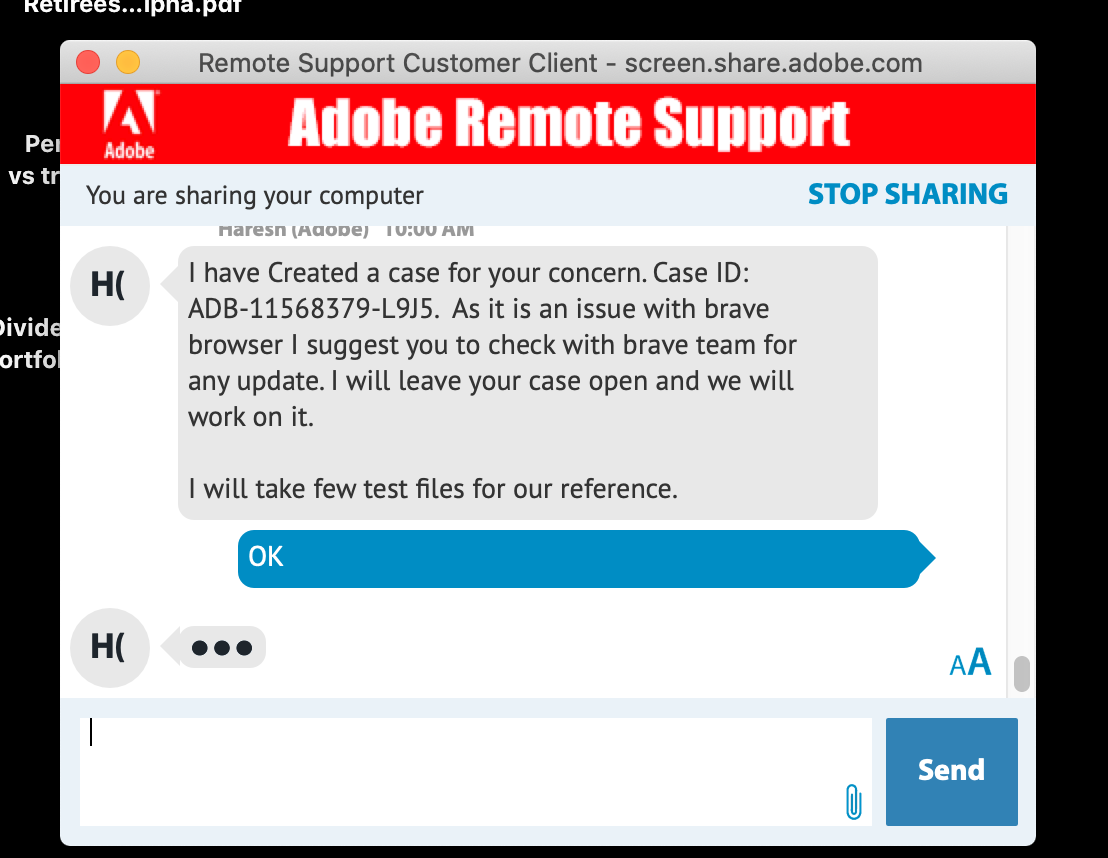
Moreover, I had remote log in from Adobe’s Technical Support and they repeated exactly what I am describing also experienced the same problem.