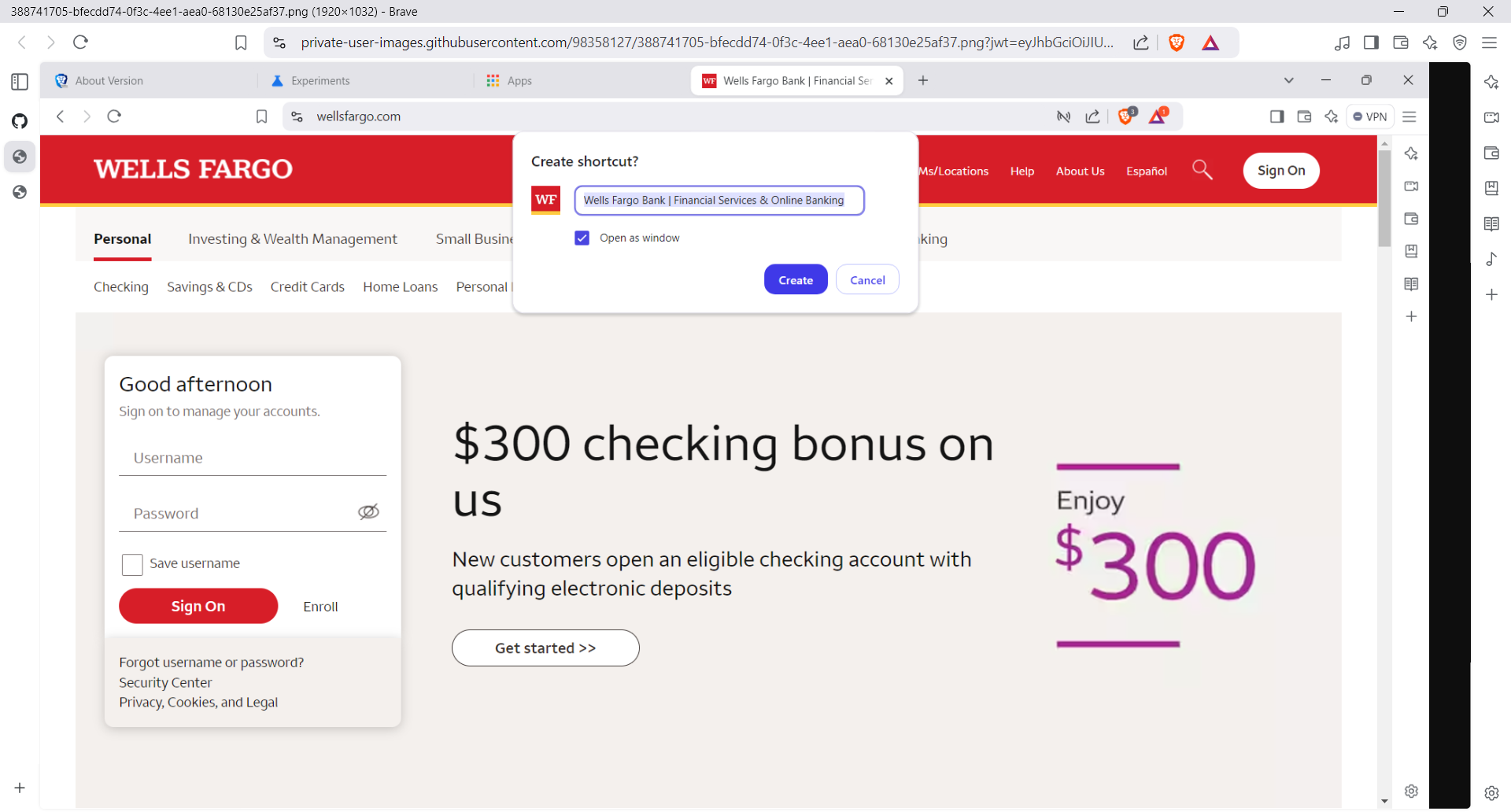
@Darth123 the open as window has been gone for a long time. We do have the option to get a PWA for any site which would do that. And you can edit any desktop shortcut yourself to launch in a new window if you prefer. But it’s not an option through Chromium browsers anymore.
You can reference where these discussions have taken place before, such as topic below:
and of course my own reply from back then:
Long and short of it is that this is an upstream change and it seems Brave isn’t going to be doing the extra work to try to maintain it. Who knows when or if that might change, but for now…
In the Target line I see "C:\Program Files\BraveSoftware\Brave-Browser\Application\chrome_proxy.exe" --profile-directory="Default" --ignore-profile-directory-if-not-exists https://community.brave.app/c/support-and-troubleshooting/48 which is its big long thing to specify which profile to open in and whatever.
All I need to do is add --app= in front of the URL, to end up with "C:\Program Files\BraveSoftware\Brave-Browser\Application\chrome_proxy.exe" --profile-directory="Default" --ignore-profile-directory-if-not-exists --app=https://community.brave.app/c/support-and-troubleshooting/48
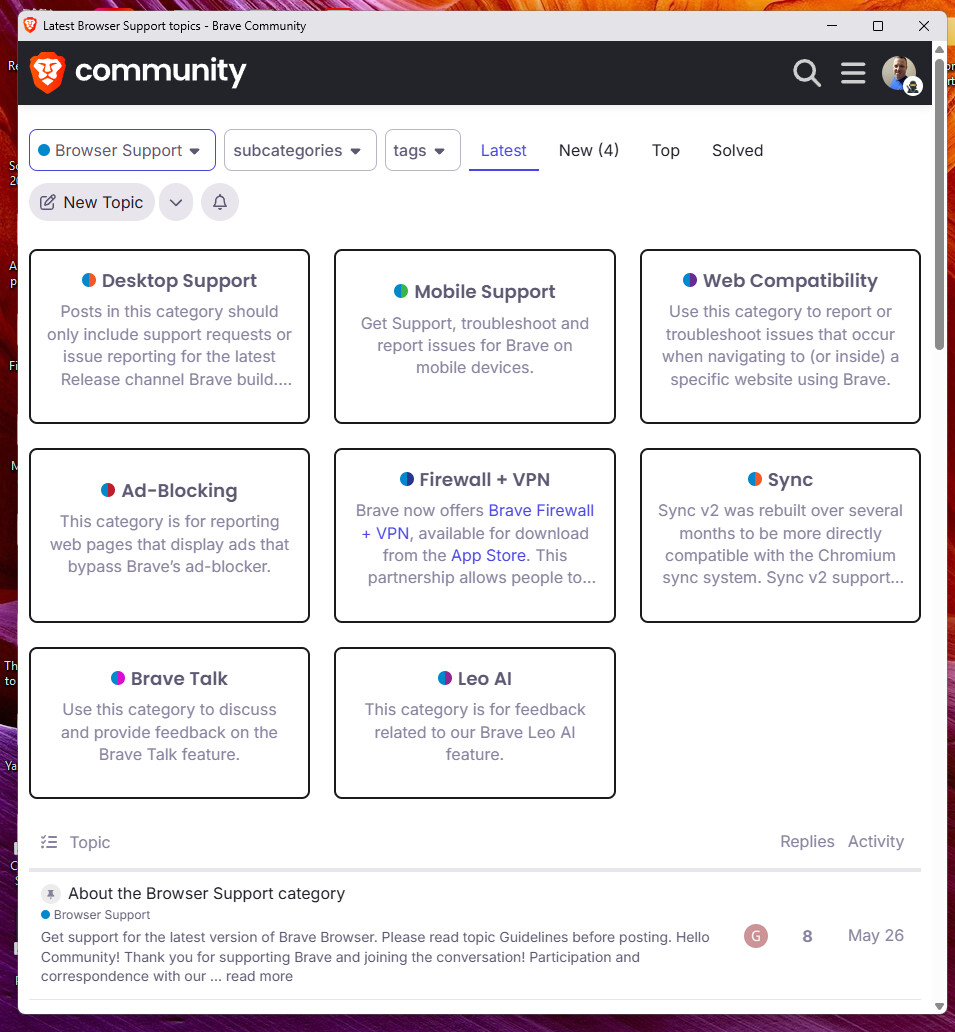
When I do this, clicking it will launch as its own window and it will be in PWA mode:
Let’s do the other one as well, which turns out to be "C:\Program Files\BraveSoftware\Brave-Browser\Application\chrome_proxy.exe" --profile-directory="Default" --ignore-profile-directory-if-not-exists --app=https://community.brave.app/c/support-and-troubleshooting/mobile-support/76
Each opened in its own window and I dragged them to be side by side:
@Darth123 alternatively, let’s say you don’t want it to open in a PWA style window and you want the normal. You would go to the normal Brave shortcut on your desktop and copy it. In the copied one, do like we did before, but you’ll see the shortcut is simpler, more like: "C:\Program Files\BraveSoftware\Brave-Browser\Application\brave.exe"
Add to that --new-window web address
You’d be like: "C:\Program Files\BraveSoftware\Brave-Browser\Application\brave.exe" --new-window https://community.brave.app/
Now whenever you will click on that, it will open the specific link you have as a new window. That doesn’t specify the profile. If you want to make it open only in a designated browser profile, you would add in the --profile-directory= command. So maybe something like: