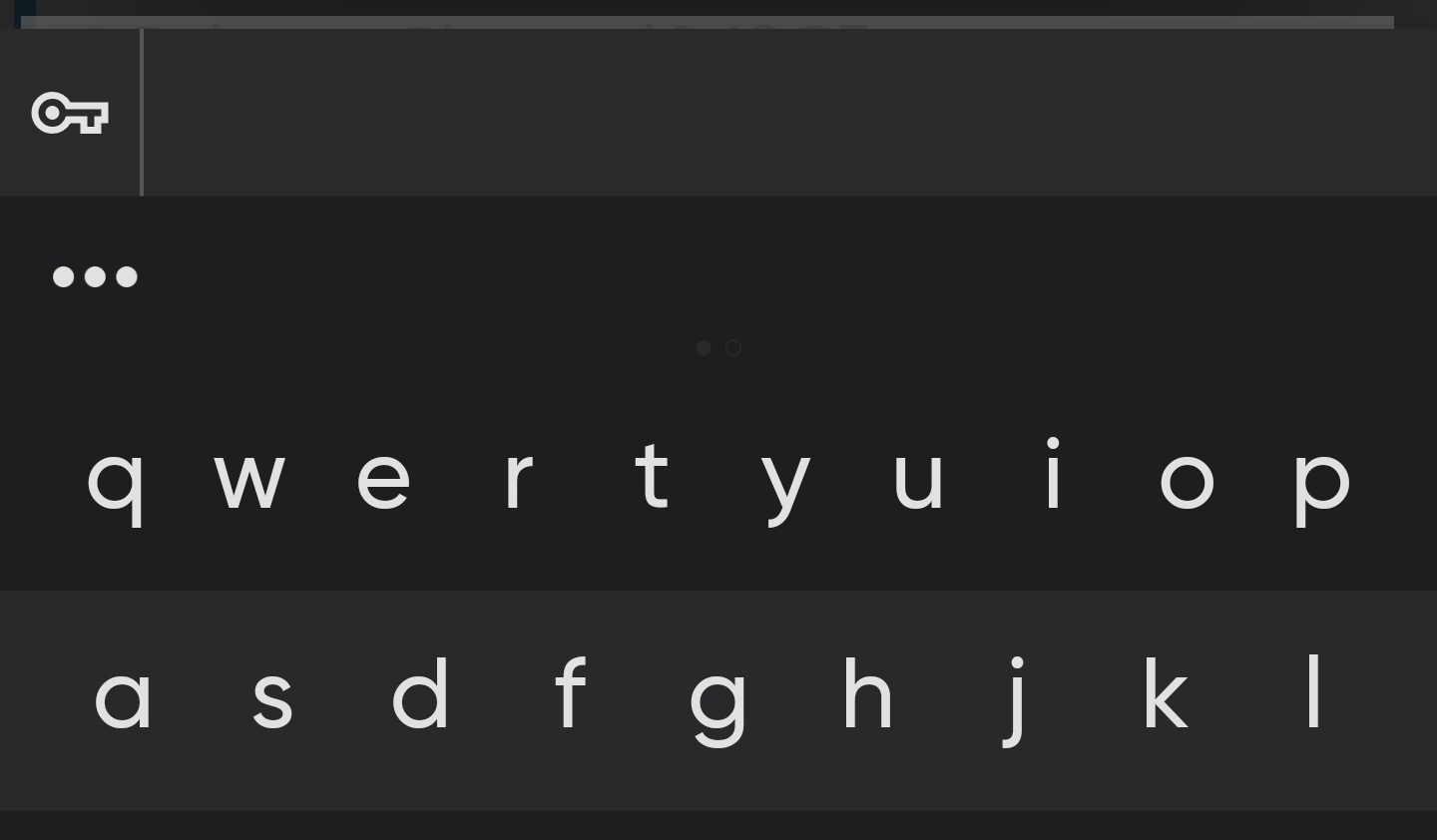
Upon the latest update Brave now displays an ‘auto-fill’ bar above the keyboard whenever any input area is selected. It’s large and there’s no setting I can find to remove it.
It happens when using the keyboard in any manner in Brave. It’s doing it right now, telling me I have no passwords available while type this post completely unrelated to logging into anything, taking up precious screen room.
Brave version: 1.42.94
Chromium version: 104.0.5112.81
My device: Oneplus 7t pro (Android 11)
So far I’ve: reinstalled brave, removed all password managers, reinstalled the keyboard, swapped the keyboard for a different one, turned off Brave saving passwords, turned off all items capable of auto-filling, and yet it still it shows.