Description of the issue:
I’m getting ads for few even do the shield is on, YouTube and many mover are showing ads and they tracking also. Steps to Reproduce (add as many as necessary): 1. 2. 3.
I have check the brave://components in that i have found that Brave Ad Block List Catalog - Version: 0.0.0.0
Status - Update error showing Actual Result (gifs and screenshots are welcome!):
Operating System and Brave Version(See the About Brave page in the main menu):
windows OS 11
Brave is up to date
Version 1.77.100 Chromium: 135.0.7049.100 (Official Build) (64-bit)
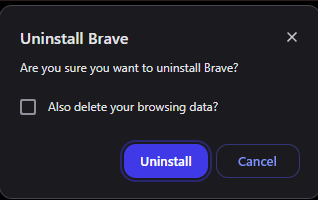
@nasruddin it depends. When you uninstall Brave on Windows it gives a prompt asking if you want to delete browsing data. If you choose yes, then that’s going to delete everything related to Brave. So this would be your passwords, PWA, etc.
If you don’t select the box to also delete the browsing data, it should technically have everything still saved on your device so that when you install it again, it’s available to you.
Again, that’s is things go smooth and you don’t check the box. Issues can always happen and I don’t want to promise 100% that it would all be there. I’d make sure you export passwords so you have a backup somewhere just in case.
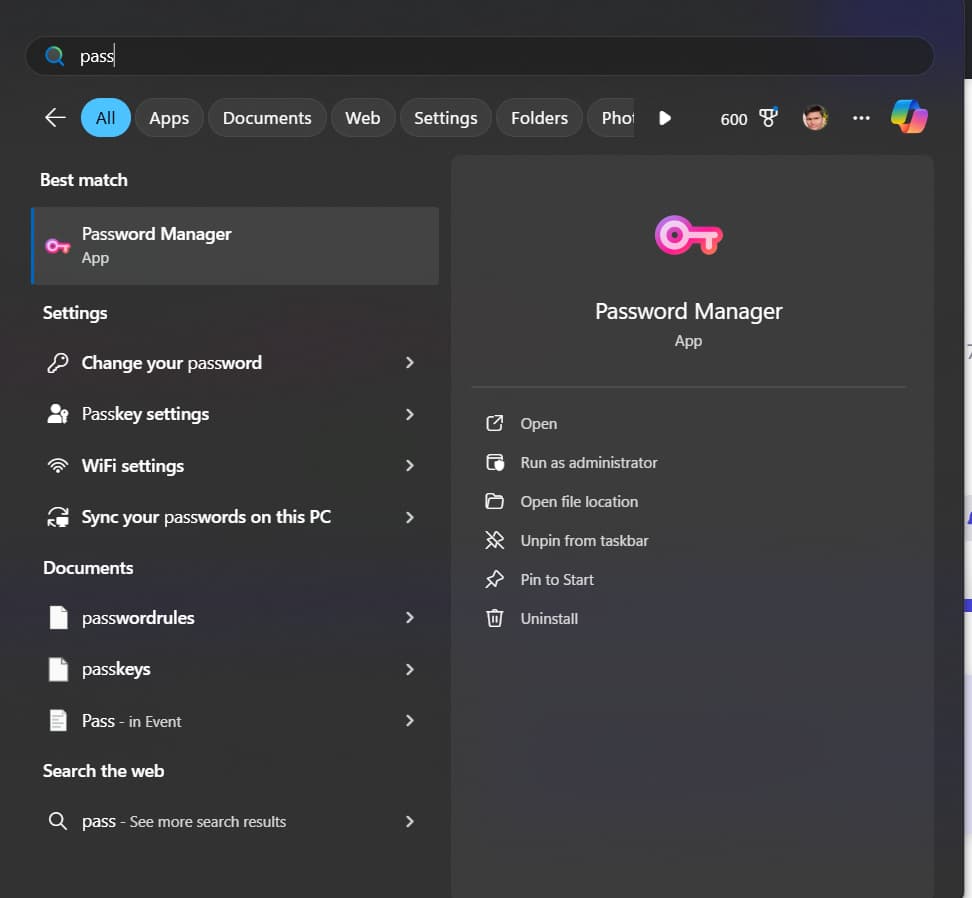
Also want to mention I was thrown off for a second based on what you were sharing because Brave doesn’t have a standalone password manager. But in looking, I guess you installed the PWA for it. Basically it’s just the same as you visiting brave://password-manager/passwords but in its own little window.