Full screening any video from any website causes my entire browser to be full screen after I exit video full screen as if I press F11 and I don’t know how to stop it doing that.
Expected result: Browser fullscreens and I have to press F11 every time to make it window and then maximise the window again.
At this current time I cannot reproduce this on Windows 11 on the latest Brave install v1.85.117.
Please update and try again (though while I was on the version you have I also never ran into this issue, so I’ll keep it in mind in case you still have the problem even post-updating), and we’ll see if this hopefully resolves the issue for you.
(Also, what version of Windows are you running? Might come in handy.)
I will detail extensively the problem which happens as follows:
When you enter a Youtube video, if you press the Youtube button for “Fullscreen” (icon with 2 diagonal arrows) or you press the “F” key which is the shortcut, Brave, instead of activating the video in full screen forces the desktop “Full screen” (which shortcut key is F11).
Once in that wrong F11 fullscreen window which the user didn’t request, if you try pressing ESC or the “F” key again to exit the fullscreen, Brave WON’T do that, it will leave you in that F11 state.
When still being in that wrong/buggy F11 fullscreen mode, if you press F again, the result is the initially desired one, the typical youtube full screen video, although with the “Desktop F11 fullscreen window” activated too, which is not the desired action.
Once in that full video (F) + fullscreen (F11) state, if you press F or ESC then you come back to the 2. status that I reported previously. It is, you exit from the “youtube full video (F)” but you do not exit from the fullscreen (F11) window.
The only way to exit the buggy/erroneus F11 Fullscreen window is pressing F11 or right click in the comments section (or in the video information section below) and then click “Exit full screen”.
The problem only happens when you use Brave maximized. If you press “F” in a “restored window state” (variable window size) then the fullscreen F (not F11) Youtube shortcut works perfectly.
This bug is being reported in multiple sites so it has a broad range of users affected. For example it is reported in https://github.com/pop-os/cosmic-epoch/issues/2508 but it happens also on Fedora, Windows, etc, so it seems not to be OS/distro/desktop specific.
Hey, thanks for this extra data! I tested this on Windows and it doesn’t happen here, so maybe that bug is similar but not related?
Just to ensure I did actually test this correctly from Windows, I’ll attach a video of me trying (tapping “F”) with both maximized and restored window states (Ignore the black box at the bottom right, webcam lens was closed since it wasn’t needed).
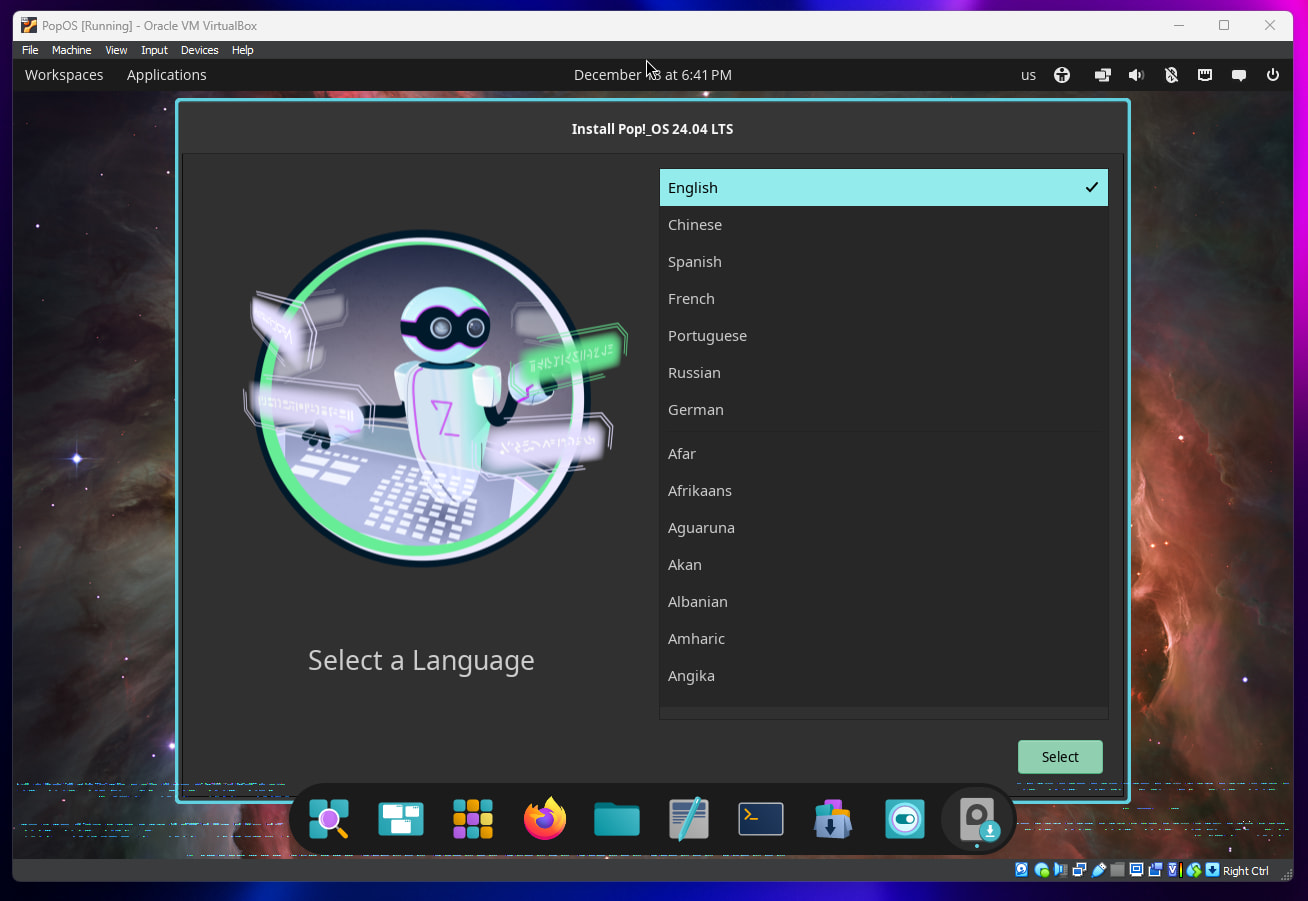
(If I did that right, I might install PopOS on VirtualBox to see if I can reproduce it, though VirtualBox lacks hardware GPU acceleration, and I don’t know if perhaps that part might be important or not.)
Ok cool, thanks for confirming I was reading it right and testing it right. Just wanted to make sure.
If no one else with PopOS comes up to test, I’ll setup a VM later today and just try it myself for you. (I still worry VirtualBox’s GPU emulation may make it behave differently but worth a shot!)
(Though as you see, VirtualBox doesn’t emulate Linux well, there’s already visual corruption at the bottom of the screen, but I’ll do my best to test this for you.)
I can officially confirm @Mattches that at least for @Zerg , PopOS does indeed have this issue and was able to replicate on a freshly installed PopOS install, installed via the official instructions. As stated, if maximized, you get stuck! I had to alt+tab to the open Firefox window to get the bar at the bottom to show, to close it that way. It would not close for me with Escape at all. I just can’t replicate on Windows.
(Perks of being “that guy” who has loads of VM’s on one machine to actually properly test things for users.)
Yeah I also just tested this as well on Pop OS. See the same behavior, though the browser doesn’t actually get “stuck” in anyway – it’s just that it is being put into fullscreen viewing for some reason even when it shouldn’t be. Will file an issue for this.
@MasterLink I’d like to use your screen recording in the issue if that’s okay with you?
In my case it doesn’t happen with Firefox in the very same distro (Pop!_Os 24.04 COSMIC). I can try other browsers different from Firefox if you want.
More important data>
Since I remembered that Firefox doesn’t use Chromium, I installed Chromium and surprise, the PROBLEM ALSO HAPPENS there. So it is not Brave but Chromium related? If it is Chromium related and we have to file the bug into some of their dev forums just tell us.
Perhaps in my case F11 wasn’t working because VirtualBox wasn’t forwarding it to the host. If F11 was supposed to work that is. Escape though was being received by the host, and it was ignored.
I did notice in the referenced GitHub post about this on pop-os does say another Chromium based browser too (Vivaldi). EDIT: Zerg just confirmed while I was writing this post that Chromium itself is indeed affected.
(I tested Ubuntu and Kubuntu btw, and neither had this issue, so it seems specific to Cosmic and Chromium together.)
Thanks @MasterLink. Since COSMIC is a very new DE and although it has a better philosophy and design flexibility than GNOME IMHO (being able to get rid of the top panel bar for example which is not good for OLED screens) and that theoretically it is already in stable version, I’ll switch to Ubuntu 25.10 (GNOME) for the sakes of stability and an error-free environment.
Here Zerg again from Ubuntu 25.10 on GNOME with a more than perfect behavior, no glitches and no fullscreen rare stuff. Confirmed in my case that the problem was 100% related to Pop_OS! COSMIC.