Briefly describe your issue:
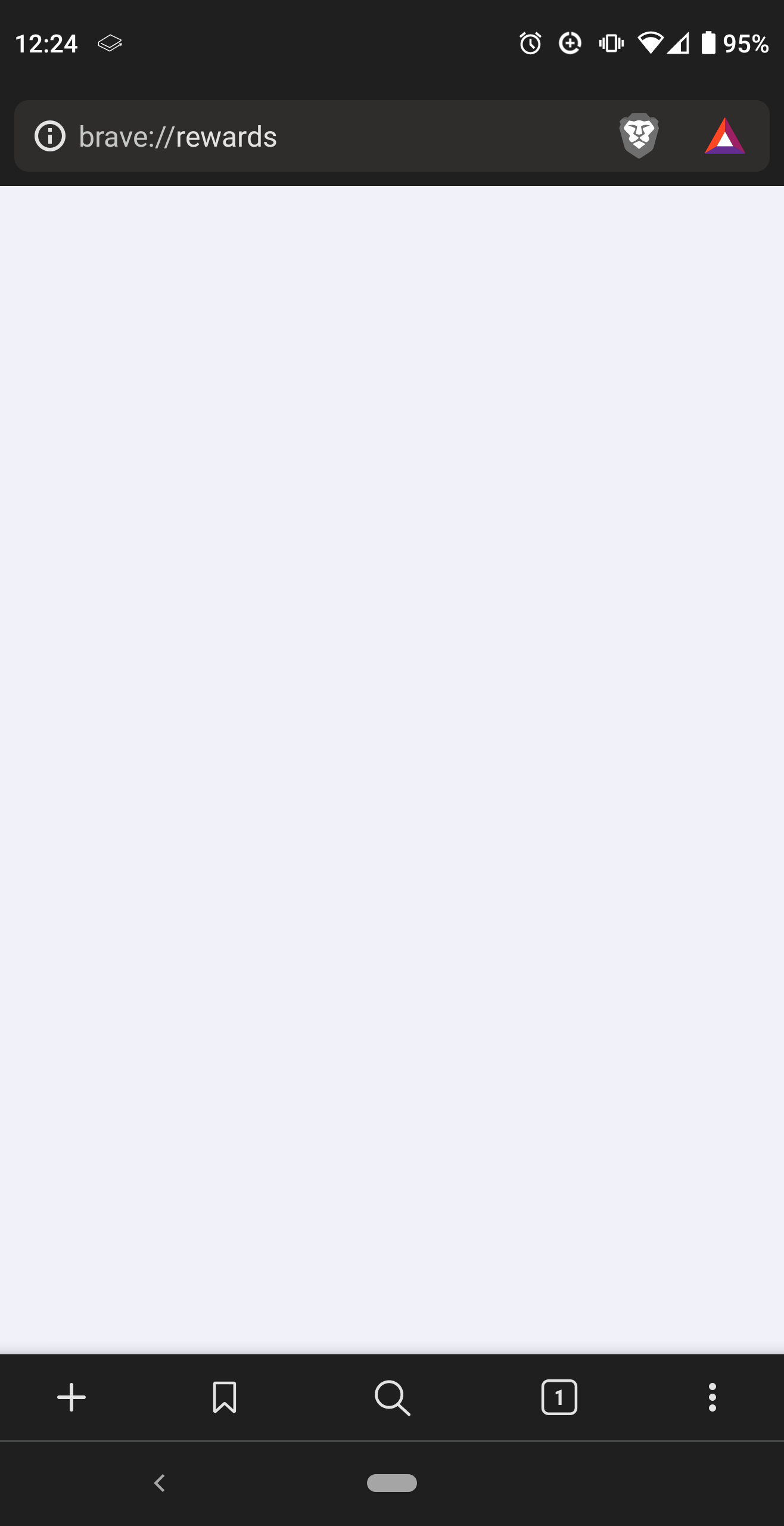
When I navigate to “brave://rewards”, the page appears blank. It displays no information.
What Operating System and Brave version are you using (Menu --> About Brave)?
I am using Android 10; Build.QQ1A.200105.032 and Brave version 1.36.112, Chromium 99.0.4844.51.
Is your browser wallet currently verified? (yes/no)
No, it is not verified.
What date did you verify your wallet?
N/A
Have you been able to successfully receive payments in the past?
Yes.
Are you using a VPN? (yes/no)
No.
Are you in a supported region (see here for list of supported regions)?
Yes.
Does your device pass the SafteyNet check (Android only)?
Yes.
Have you manually turned off Auto-contribute on all of your devices linked to Uphold??
No devices are linked to Uphold.
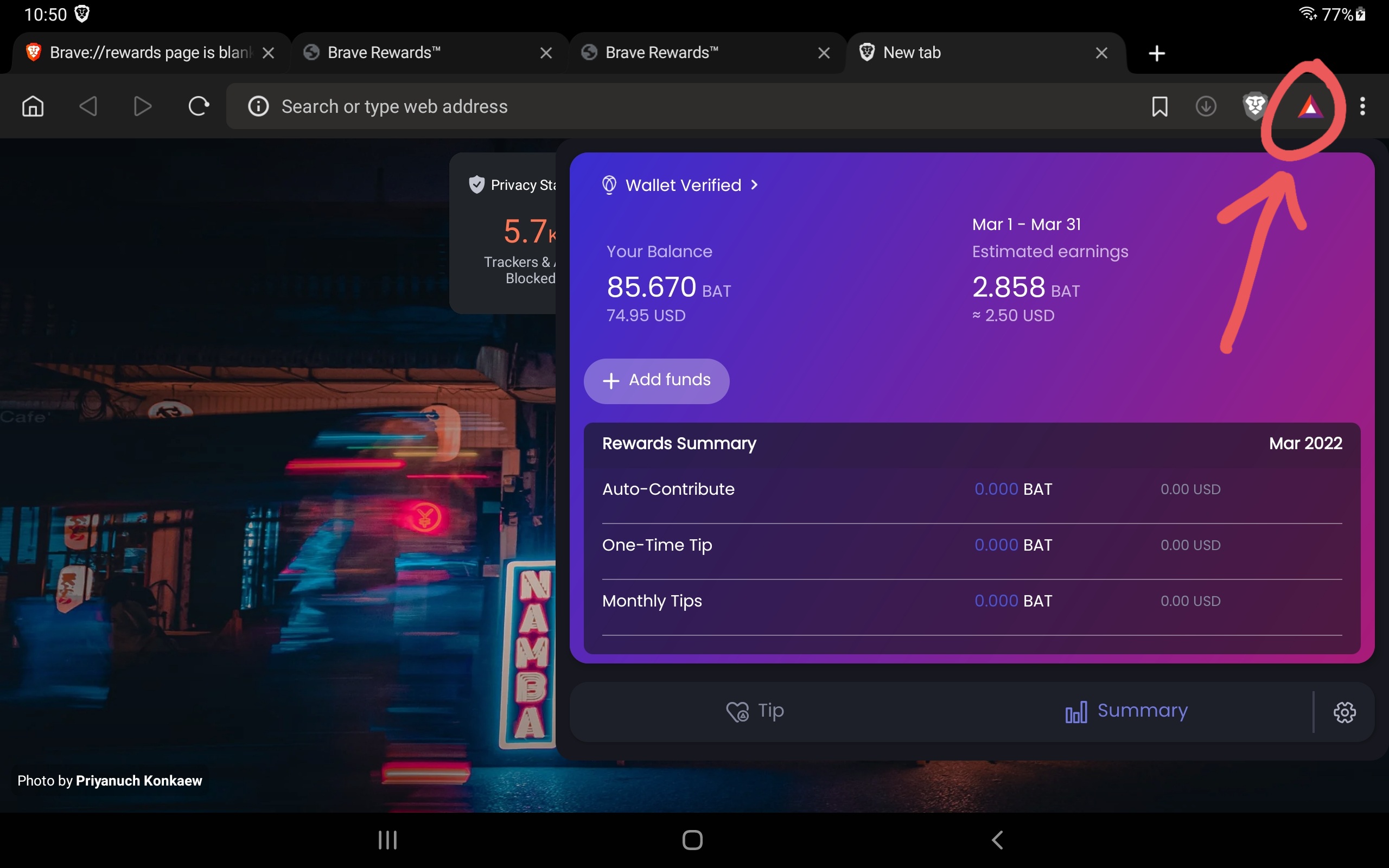
Thanks for responding! Yes, it does pull up the rewards information when I press on the BAT logo. I can see my rewards still exist in the local wallet via that drop down view. But, the rewards page does not populate.
Thanks, the post you shared was informative. Unfortunately, upgrading my device to Android 11 is not an option for me. I think I will wait for the stable update to Chromium 100 for Android to see if that fixes the issue. My main concern is that I want to be able to link my browser wallet to Gemini to deposit my accumulated BAT once that option becomes available on Android mobile. If I am not able to to access the rewards page, I will not be able to verify the wallet.
@qualquier There is an issue report recently opened on Brave GitHub per this. Apparently there was also an issue in the past and this may be a regression.
Tagging @Mattches to see if he can get an update or provide additional help.
Thanks, that looks like a very similar issue, and at a similar timeframe (~2 weeks ago). I do not recall if my issue happened because of a specific action (like clearing the cache).