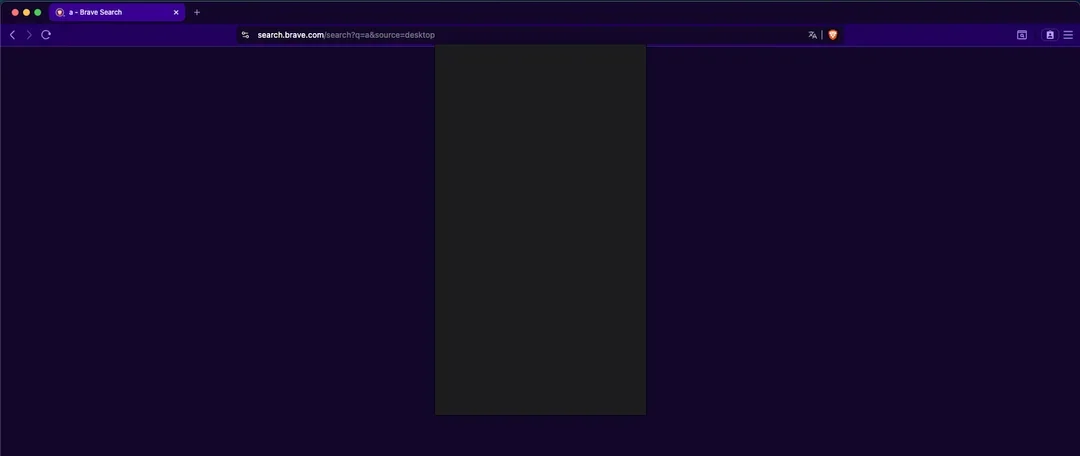
After the latest update, all Brave pages are blank, including brave://settings/, the developer settings, “report a broken page modal”.
I tried restarting the OSx, reinstalling the browser, starting as a Guest, but nothing works
Description of the issue:
How can this issue be reproduced?
-
Open a new browser tab
-
Open Brave settings
Expected result:
Page content loaded
Brave Version( check About Brave):
Not possible, I just updated it and can’t see the pages anymore
Additional Information:
Thank you for reporting. Can you please confirm what version of macOS you’re using when you see this issue?
I’m using MacOS Sequoia 15.6.1 (24G90)
Interesting – I just updated on my end using the same OS and everything appears to be working fine. I’ve asked our macOS team about this. In the meantime, can you confirm that it’s just the browser settings pages that don’t load, or is it all pages? If you try to visit brave.com in the browser, does the page load or does it also appear blank?
All the pages don’t load. Even trying to inspect with Developer tools won’t show the content.
It seems to be navigating fine (as the tab title updates), but the content is blank:
I notice that your screenshots are all guest/private windows. Does launching Brave normally show the same thing?
Yes, the issue happens even when I try to use my profile. The initial screen is the only one with content:
I tried to install other versions, but they won’t work as well. For example: https://github.com/brave/brave-browser/releases/tag/v1.81.136
The nightly brave version works, but that’s a different browser, right? Without my settings and accounts
Thank you for this information.
Can you try launching with Graphics Acceleration disabled? You can do this from the macOS Terminal using the command:
open -a "Brave Browser" --args --disable-gpu
Thanks! Now Brave 1.82.166 (Official Build) (arm64) works for me
I disabled this option in the settings, and it’s all good now: Use graphics acceleration when available
@undersky000 thank you for confirming. Still strange that this issue just occurred for you the first time out of nowhere. I will let the team know about this regardless.