@Calc99
Versions of Brave Browser stable releases:
https://github.com/brave/brave-browser/blob/master/CHANGELOG_DESKTOP.md
Click on the latest Brave Browser version number; and in the resulting window:
Scroll down to and click on:

BEFORE you run the installer, delete the following 3 items:
The BraveSofware folder at:
/Users/username/Library/Caches/BraveSoftware/
The com.brave.Browser folder at:
/Users/username/Library/Caches/com.brave.Browser/
The com.brave.Browser.savedState folder at:
/Users/username/Library/Saved Application State/com.brave.Browser.savedState/
Exit / Quit BB. And I would restart your Mac. Then try the installer.
Where Brave Browser has usually been installed on the Mac:
/Applications/Brave Browser.app
/Users/username/Library/Application Support/BraveSoftware/
/Users/username/Library/Application Support/CrashReporter/Brave Browser ... .plist
/Users/username/Library/BraveSoftware/
/Users/username/Library/Caches/BraveSoftware/
/Users/username/Library/Caches/com.brave.Browser/
/Users/username/Library/Logs/DiagnosticReports/Brave Browser ... .crash
/Users/username/Library/Preferences/com.brave.Browser.plist
/Users/username/Library/Saved Application State/com.brave.Browser.savedState/
And the “Brave Browser … .diag” reports within:
/Library/Logs/DiagnosticReports/
You might not find:
/Users/username/Library/BraveSoftware
. . . do not worry about that.
Anytime you want to start up and run Brave Browser (for MacOS) without burdens, use the following command in the MacOS Terminal.app window:
open -a "Brave Browser.app" -n --args --incognito --no-experiments --disable-extensions --disable-gpu --enable-leak-detection --crash-on-failure 2> $HOME/Desktop/brave_console_out.txt
For that command string, the switches are intended to:
- Start up Brave Browser, showing a New Private Window [
--incognito]
- Disable all experiments at
brave://flags [--no-experiments]
- Disable extensions [
--disable-extensions]
- Disable hardware (GPU) ie Graphic Acceleration [
--disable-gpu]
- Enable leak detection and if that failure occurs, then crash the browser [
--enable-leak-detection --crash-on-failure are a combo]
- Produce error/log output to a file named ‘brave_console_out.txt’ on the MacOS Desktop
How do I manually submit crash reports?
https://support.brave.com/hc/en-us/articles/22281484910221-How-do-I-manually-submit-crash-reports
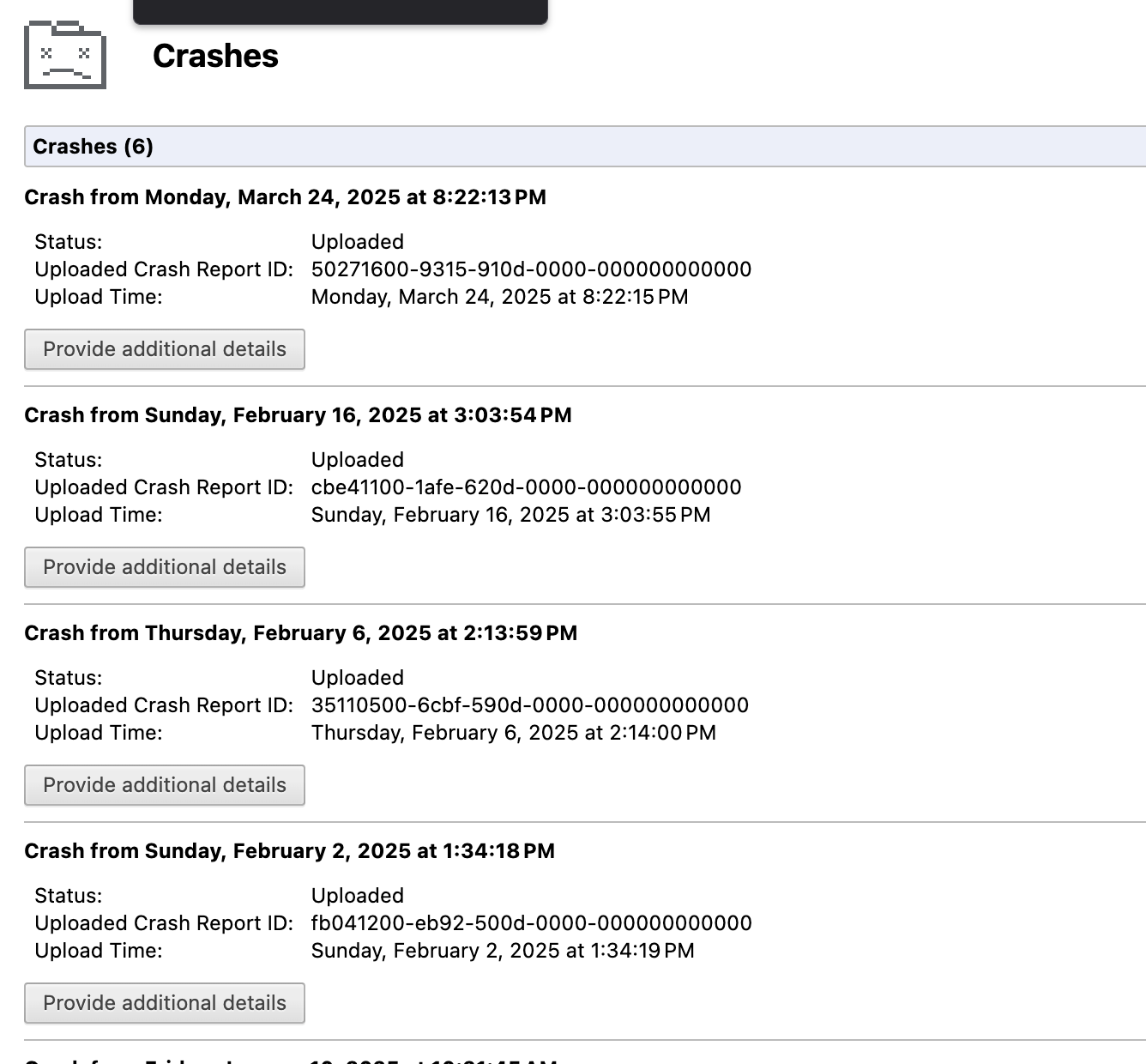
After you click the “Send Now” button, return to brave://crashes and gather up the Crash ID numbers. Post the numbers, here, in a new reply.
You might monitor the Developer Tools window > Network tab, to see what might be hanging, looping, or stumped.
How to use Developer Tools:
Developer Tools > Network:
You might check the “Disable cache” box.
Monitor the MacOS Activity Monitor, and the Brave Browser Task Manager.