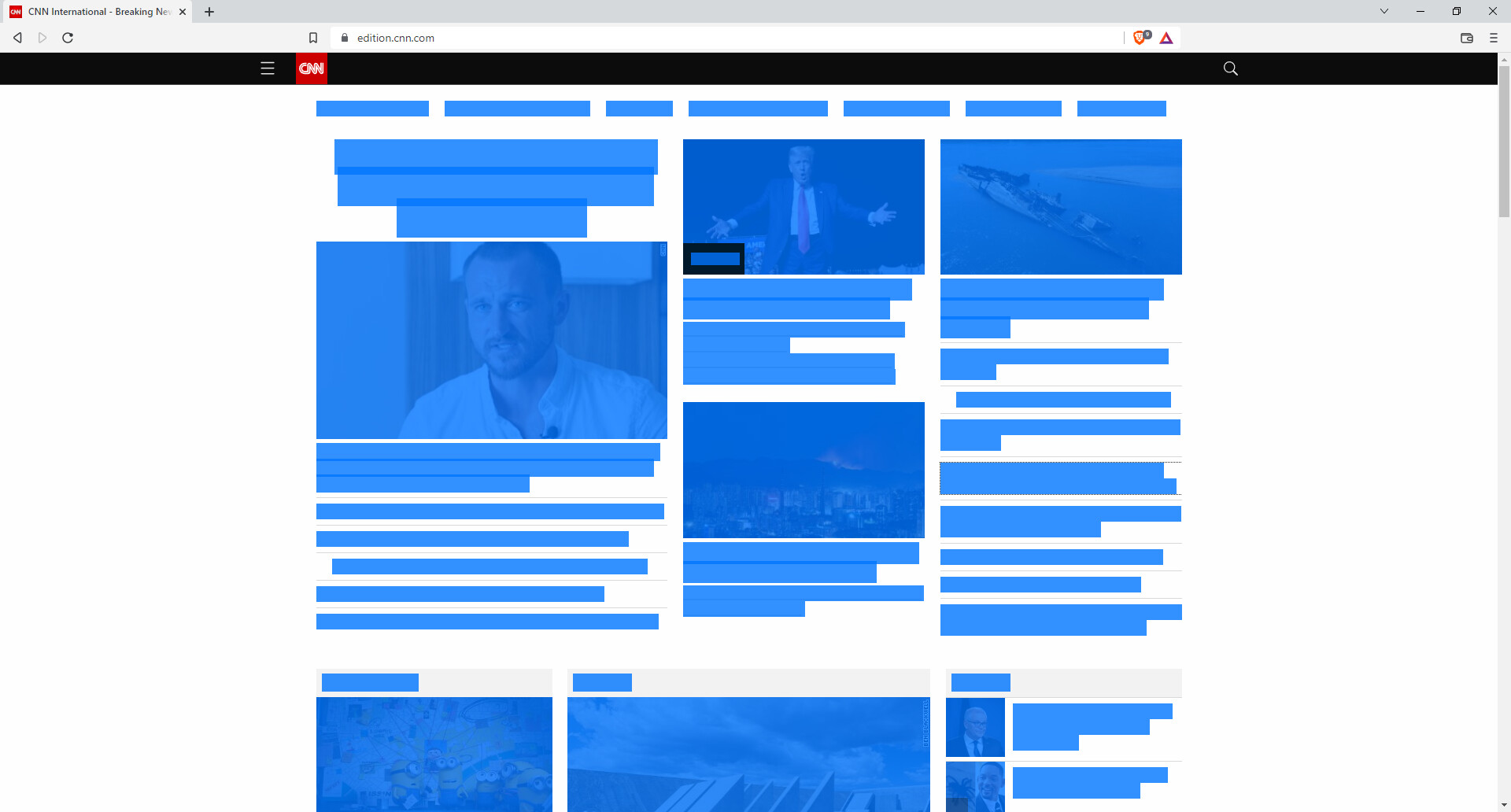
This is how cnn.com looks like:

And this is how Brave settings (Version page) looks like:

I tried to reinstall (even uninstall-reboot-install again), but no luck.
I am running Windows 11.
This is how cnn.com looks like:
And this is how Brave settings (Version page) looks like:
I tried to reinstall (even uninstall-reboot-install again), but no luck.
I am running Windows 11.
Brave version?
Does it happen in a Private window?
And I did not install any new extensions lately. It just happened, I have no clue why. Chrome and other browsers work just fine
Hi
Generally, re-updating solves the problem https://brave.com/download/
Taken from this post Most characters are missing on the application
Hello! Thank you! But I did tried reinstalling, it didn’t work
Try
Clear browsing data, flushing dns and restarting device.
@shbchk have you tried disabling Shields, and hardware acceleration?
I’m also curious as to what happens if you hit Ctrl+A (select all) on an affected site.
This should tell us if the text data really ‘are not there,’ vs. ‘they are there but I can’t see them’ since the cause could be different between the two outcomes.
@steeven Shield is off (and Ctrl+A):

That’s interesting. Brave.com looks okay, but the other websites are broken:
Huge shot in the dark, but there anything that might be applying a dark mode theme? Even up at the OS level.
Using Latest version [Version 1.42.97 Chromium: 104.0.5112.102 (Official Build) (64-bit)]
and there are no problems in Windows 8.1
Have you made any changes in the control panel ? or installed any new softwares/extensions on your pc ? That might be the issue
this latest update version has been made for a while like a week and since there has been no issues reported, the problem might be on your end. try recalling what changes you made to your pc and revert them back.