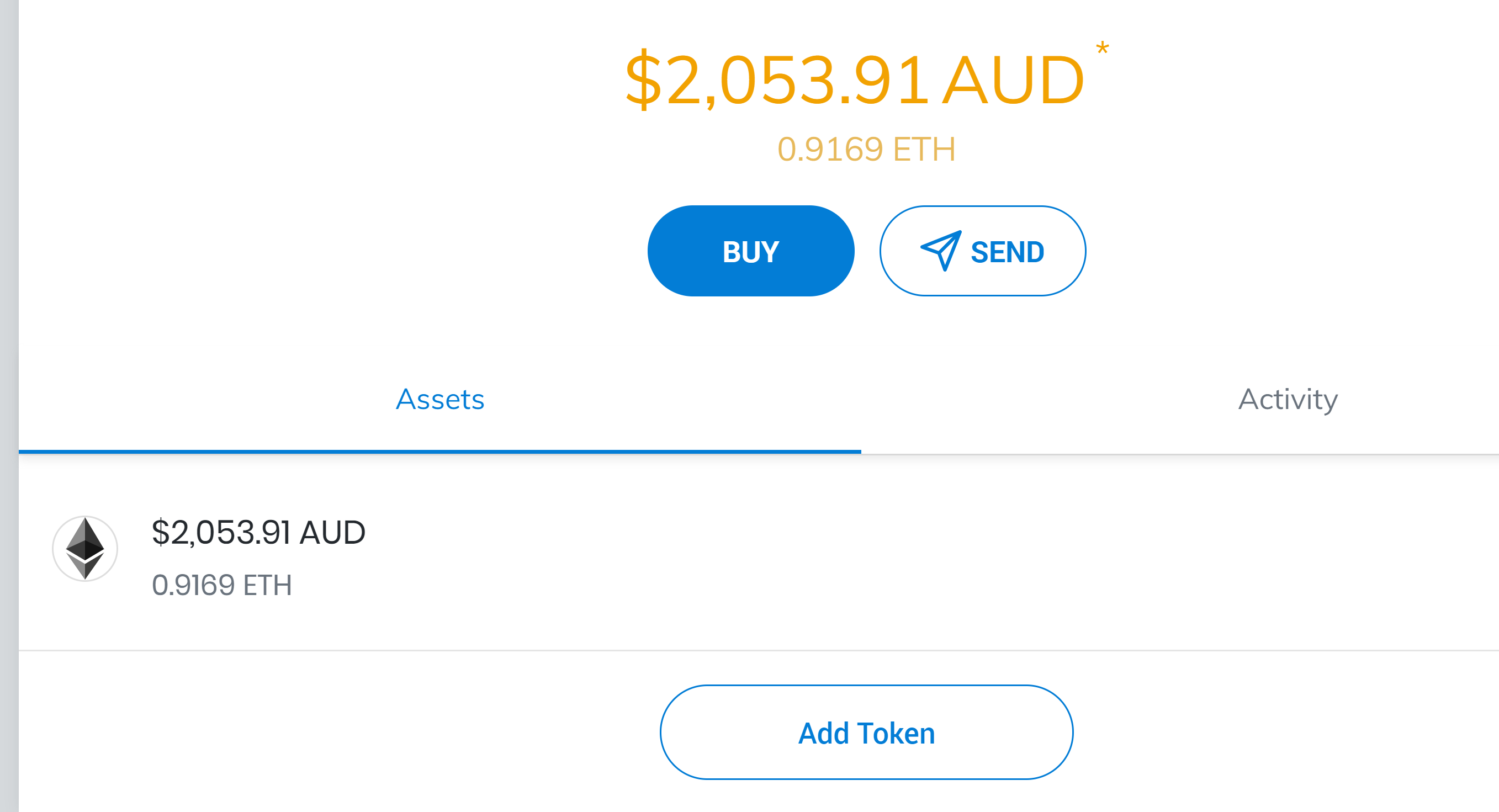
2. No tokens other than ETH available. 3. go to Add Tokens. 4. Click ‘Custom Token’ 5. Copy and paste any tokens that showed up on my account previously (yesterday - for example EXCEEDME, MM. BAT, etc.) end up with this:
Token Contract Address
0xee573a945b01b788b9287ce062a0cfc15be9fd86
Token has already been added. **
Actual Result: As stated
Expected result: Being able to both see and access my tokens:
Additional info: When I go to Uniswap and other EX and I check my tokens there, after connecting my wallet, there is just a spinner in place of where I should see the amount of tokens and the value.
I am facing this exact issue! I have tried uninstalling and reinstalling the browser but that didn’t work either. I have see my ETH. I do see the tokens on ETHplorer and the amounts seem ok.
If anyone is interested, I was able to fix this by removing the crypto wallets extension from the browser and reinstalling it. I was able to add the tokens manually again. Crisis averted!