Over the past month when I try to open a youtube page or twitch or bluesky it becomes unresponsive at times, at other times it just doesn’t load and the load bar stays at around 40% and i have to go to another site and then try again and usually it loads, sometimes it just loads to a black screen and i have to refresh. And then navigating on these sites causes more stutters and lags. Ive ran antivirus and done every troubleshooting step I can think of. Its not windows doing this or it would be every page. Im sure it probably has something to do with cookies and the anti ad brave has and these sites are not wanting to load because it cant produce ads etc.
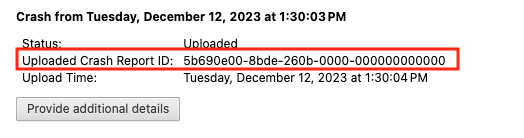
There is also another issue and I’m not sure if it involves brave browser but when streaming to twitch and having brave open and obs studio and playing a game being captured by obs the stream will sometimes stutter like my pc is being bottlenecked and it shows my cpu spiking to 100%, im sure this is obs doing this cuz obs is kind of crap but at times when this is happening an error message will pop up saying brave caused an encoding error and my system freezes up and my stream cuts out brave shuts itself down so does obs. my system has more than enuf resources to stream play a game and have the browser open (i need to add i usually only have about 3 tabs open). as matter as fact i can open up 3 diff instances of obs and stream to 3 diff sites and my pc will only be around 80% taxed. I know I’ve done it. And no issue whatsoever cuz i was using opera since brave was showing issues. the only time i have these issues is when brave is open. now obs uses browser sources and since brave is my default browser it uses brave to open these browser sources and that is where the issue is coming from. So who is to fix it? obs or brave?
Description of the issue:
How can this issue be reproduced?
-
Get my computer
-
Try to open a youtube page
-
Hit refresh until it loads
Expected result: stated above
**Brave Version( check About Brave):**Brave 1.89.137 (Official Build) (64-bit)
Additional Information: