Hi @medicador, Welcome to Community!
I have some steps here for you to take so we can try and get your sound working.
- Open google meet with Brave
- Click on the lock icon to the left of the URL bar
- Select
Cookiesand then remove all the cookies
- Then go back to the lock icon and select
site settings - While in site settings, click on
clear dataandreset permissions - Reload google meet - you might have to sign into your google account again
- Start a meeting - when you’re prompted for microphone/camera access, be sure to click allow
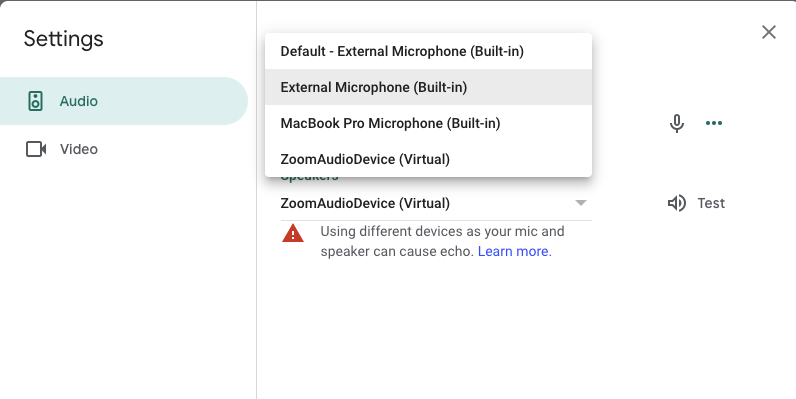
- While in the meeting, open settings by clicking on the 3 dots in the top right
- In settings, adjust your audio/speaker devices and test them