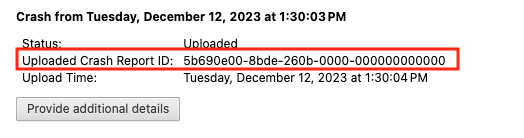
Description of the issue:Brave consistently shows “Aw, Snap!” Sometimes after 25 seconds sometimes after 15 seconds on any webpage, even after the page has loaded and worked initially (scrolling, etc. is fine until the crash overlay appears). This happens on every site tested. Used different versions of android system WebView that didn’t fix the issue.Other full-featured Chromium-based browsers (e.g., regular Opera, Edge) do the same.
However, Via Browser and Opera Mini stay completely stable (no crash even after minutes/hours of use). Firefox also works fine. Reverted Chrome works via its internal fallback.
How can this issue be reproduced?
-
Open Brave on Android 12
-
Load any website (simple like google.com or heavy like news sites).
-
Wait ~25 seconds while scrolling/navigating normally—the page works at first, then “Aw, Snap!” overlay appears.Reload temporarily fixes it, but crashes again after another ~25 seconds
Expected result:Pages should remain stable indefinitely without crashing
Brave Version( check About Brave):version 1.85.117
**Mobile Device details: OS version: 12, Build: Z60 plus_HW2_V15
Bootloader: unknown, VM: ART
Kernel: 5.4.254-ab181
Brand: Symphony, Model: Z60 plus
Board: Z60_plus, Manufacturer: Symphony
SDK
Target: 31, Min: 23**
CPU
Hardware: Unisoc T616
Supported architectures: arm64-v8a, armeabi-v7a, armeabi
Cores: 8
Graphics
GPU: ARM Mali-G57
OpenGL ES version: 3.2
Vulkan version: 1.1
Memory
6.06 GB
Additional Information:Started 3-4 days ago (around mid-December 2025).
Tried: Clearing data/cache, reinstall Brave, lower Shields to Standard, revert/update WebView – no fix.
Safe Mode tested earlier (no change).
Via Browser/Opera Mini prove WebView core is fine.
No extensions or unusual settings.